Hyde adapted into the Blogger from Jekyll. The Jekyll version is here.
Hyde is a brazen two-column Blogger template that pairs a prominent sidebar with uncomplicated content.
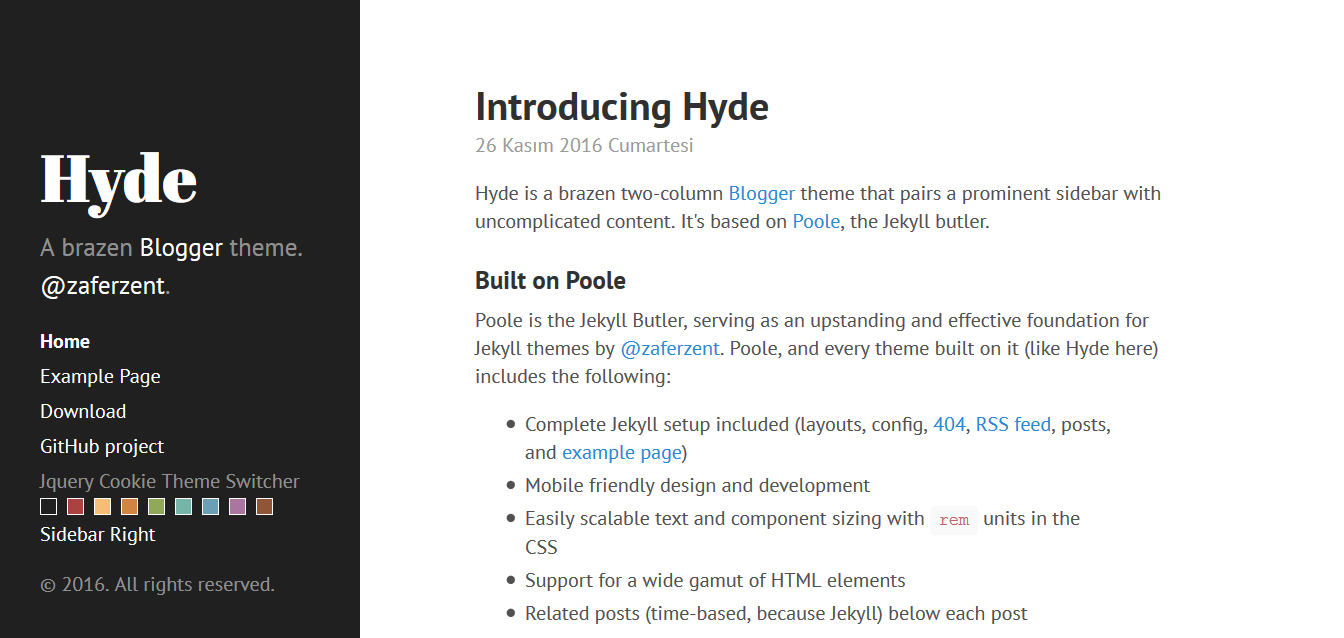
Only available on Blogger / Blogspot based blogs. Install Blogger dashboard > Template > Edit HTML or Blogger dashboard > Template > Backup / Restore
Hyde includes some customizable options, typically applied via classes on the <body> element.
Create a list of links in the sidebar.
<nav class='sidebar-nav'>
    <a class='sidebar-nav-item active' href='/'>Home</a>
    <a class='sidebar-nav-item' href='/p/example-page.html'>Example Page</a>
    <a class='sidebar-nav-item' href=''>Download</a>
    <a class='sidebar-nav-item' href=''>GitHub project</a>
</nav>By default Hyde ships with a sidebar that affixes it's content to the bottom of the sidebar. You can optionally disable this by removing the .sidebar-sticky class from the sidebar's .container. Sidebar content will then normally flow from top to bottom.
<!-- Default sidebar -->
<div class="sidebar">
  <div class="container sidebar-sticky">
    ...
  </div>
</div>

<!-- Modified sidebar -->
<div class="sidebar">
  <div class="container">
    ...
  </div>
</div>Hyde ships with eight optional themes based on the base16 color scheme. Apply a theme to change the color scheme (mostly applies to sidebar and links).
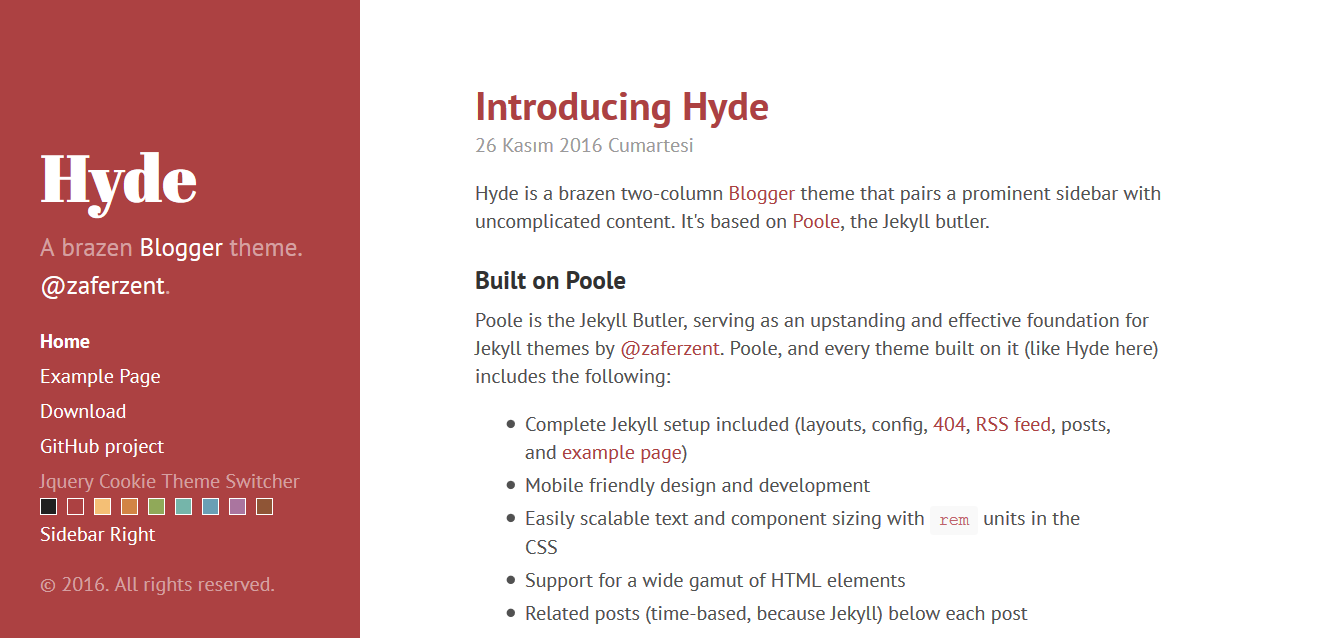
There are eight themes available at this time.

To use a theme, add anyone of the available theme classes to the <body> element.
<body class="theme-base-08">
  ...
</body>Use the jQuery Cookie Theme Switcher on Blogger. *Does not change when the page is refreshed
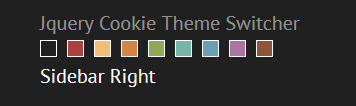
If you want to remove.
<ul class='cscheme'>
    <li class='default' id='default'><a href=''/></li>
    <li class='red' id='orange'><a href=''/></li>
    <li class='yellow' id='blue'><a href=''/></li>
    <li class='orange' id='green'><a href=''/></li>
    <li class='green' id='rosse'><a href=''/></li>
    <li class='cyan' id='dark'><a href=''/></li>
    <li class='blue' id='mavi'><a href=''/></li>
    <li class='magenta' id='mor'><a href=''/></li>
    <li class='brown' id='kahve'><a href=''/></li>
</ul>
<a class='color-div' id='sright' value='s'>Sidebar Right</a>
Using together optional theme and reverse layout.
<body class="theme-base-08 layout-reverse">
...
</body>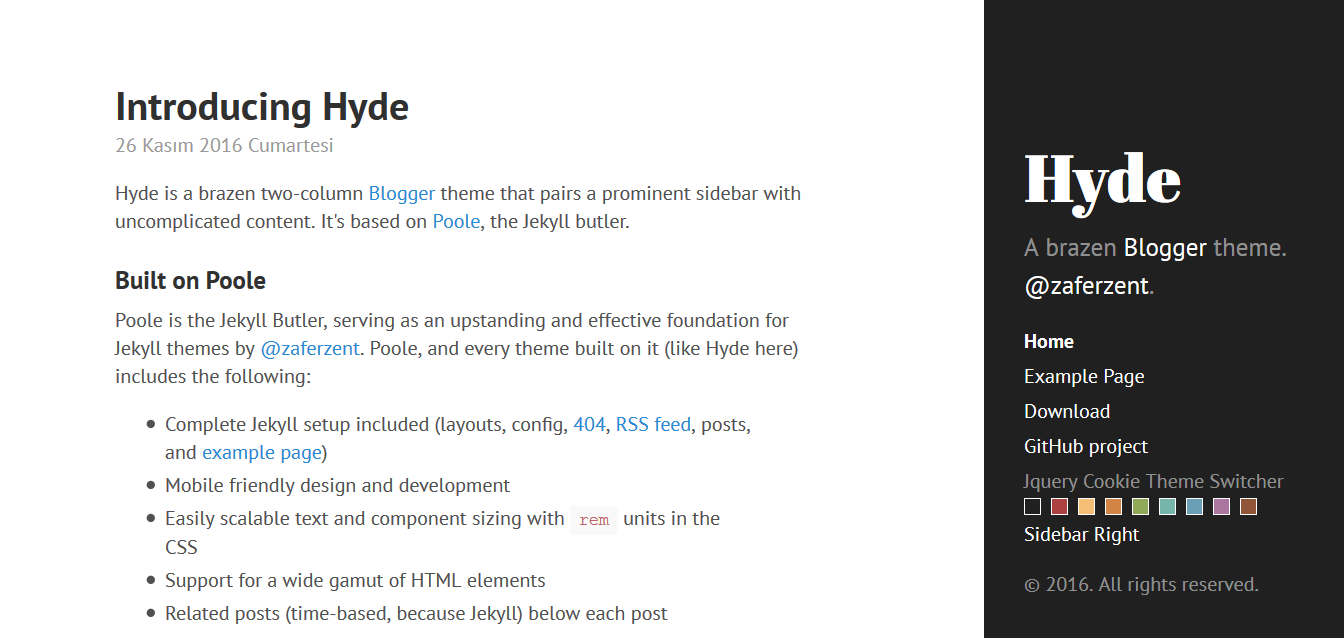
Hyde's page orientation can be reversed with a single class.
<body class="layout-reverse">
  ...
</body>Hyde has two branches, but only one is used for active development.
masterfor development. All pull requests should be submitted againstmaster.gh-pagesfor our hosted site, which includes our analytics tracking code. Please avoid using this branch.
Zafer Zent
Open sourced under the MIT license.
<3