Repository navigation
Is there a "basic usage" / overview / intro / walkthru video? #217
Description

Glad to have found this project! But I'm stumped how to get started.
I have no idea how one really gets from this:

to this:

The bullet points on your doc page don't exactly tell me that.
While I can open your demo .hsd file, that gets me the nodes graph:

but I'm not seeing the live previewer. Clicking on Viewport icon opens a new window with a black rectangle. I select the final node in the graph and then in the Viewport window I try "Pin current node" but it stays at None (and the rectangle stays black).
I'm so eager to get busy with this tool! Lemme know the basic setup from some simple node to a 3D preview. Can be a sine node for all I care =)
Also I can't seem to work out how to connect the nodes, I can drag off a connector and see the dashed line but it won't snap to any open/available socket of any node. And how does one disconnect them, tried both ctrl+click and alt+click?
Garuda Linux, kernel 6.11.4-zen2-1-zen, KDE 6 on X11, cheers =)
Activity
[-]Is there a "basic usage" / overview / intro video?[/-][+]Is there a "basic usage" / overview / intro / walkthru video?[/+]otto-link commentedon Oct 24, 2024
Hi, thanks for your interest and for the feedback!
There is no tutorial videos for now, though it's clearly a good idea. I can walk you through the basic principles but we need first to fix the GUI because it looks like you got some issues with it 😕
Keep in mind that this application is in a very early development stage, with a lot of bugs. This might be a bit frustrating for you.
You should get this kind of behavior (youtube link):
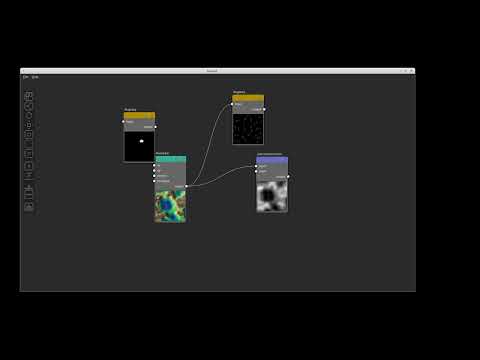
Does any of this work for you?
metaleap commentedon Oct 24, 2024
Fantastic stuff, gave it a go with this immediately-enlightening demo vid and yeah, it's buttersmooth going so far! That video is just the calibre that was needed in my haze =) I suggest to
<video>-embed it in your project home page and readme. The one I saw posted on Reddit was cool but just too fast-paced to make out how stuff's done. Yeah coulda slowed it but anyway 😁 thanks heaps!otto-link commentedon Oct 24, 2024
Nice, I'll try to do some tutorials. Feel free to post questions in the discussions (https://github.com/otto-link/Hesiod/discussions), this will also push me to prepare some contents for the new users 😉