A simple collection of KiCad libraries made by myself. Feel free to use them in your projects.
Warning
These models are NOT made for commercial use.
Please make your own verifications before making a commercial product with any of these.
There's a part list bellow!
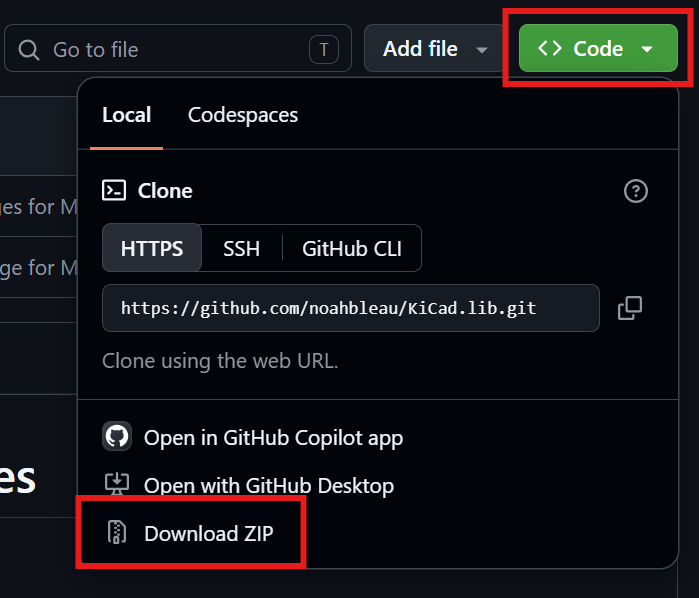
- Download this repository as a ZIP file or clone it.
-
Extract the ZIP file using Windows Explorer or the tool of your choice.
Use a static directory that won't be deleted (like "Documents") if you plan to use in multiple KiCad projects. -
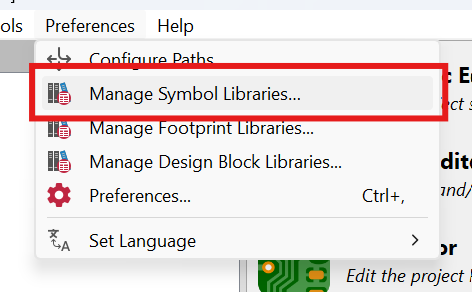
Add the symbol to KiCad in
Preferences > Manage Symbol Libraries.
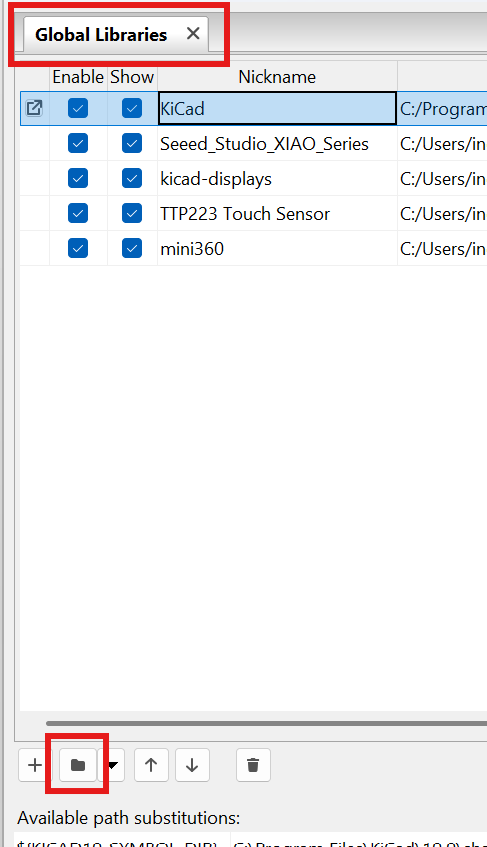
- Make sure you're in "Global Libraries" if you plan to use them in multiples KiCad projects and click on the folder icon.
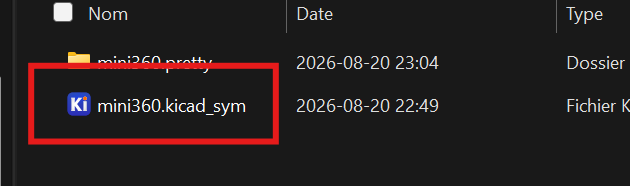
- Open the
.kicad_symfile in the part's folder you want to add.
-
Close the library manager window properly with "Ok".
-
Add the footprint to KiCad in
Preferences > Manage Footprint Libraries.
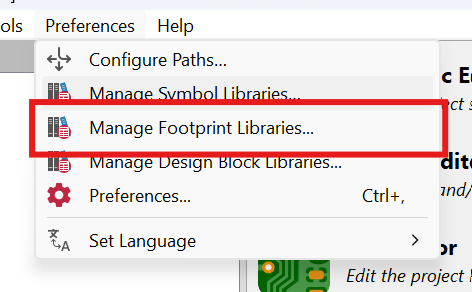
- Make sure you're in "Global Libraries" if you plan to use them in multiples KiCad projects and click on the folder icon.
- Click on the
.prettyfolder (without going inside it) and select open to confirm the selection.
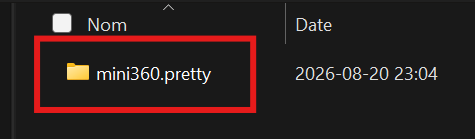
-
Close the library manager window properly with "Ok".
-
It should now be available in the symbol or footprint list!
Make sure to close and reopen the Schematic and PCB Editor to refresh the changes.
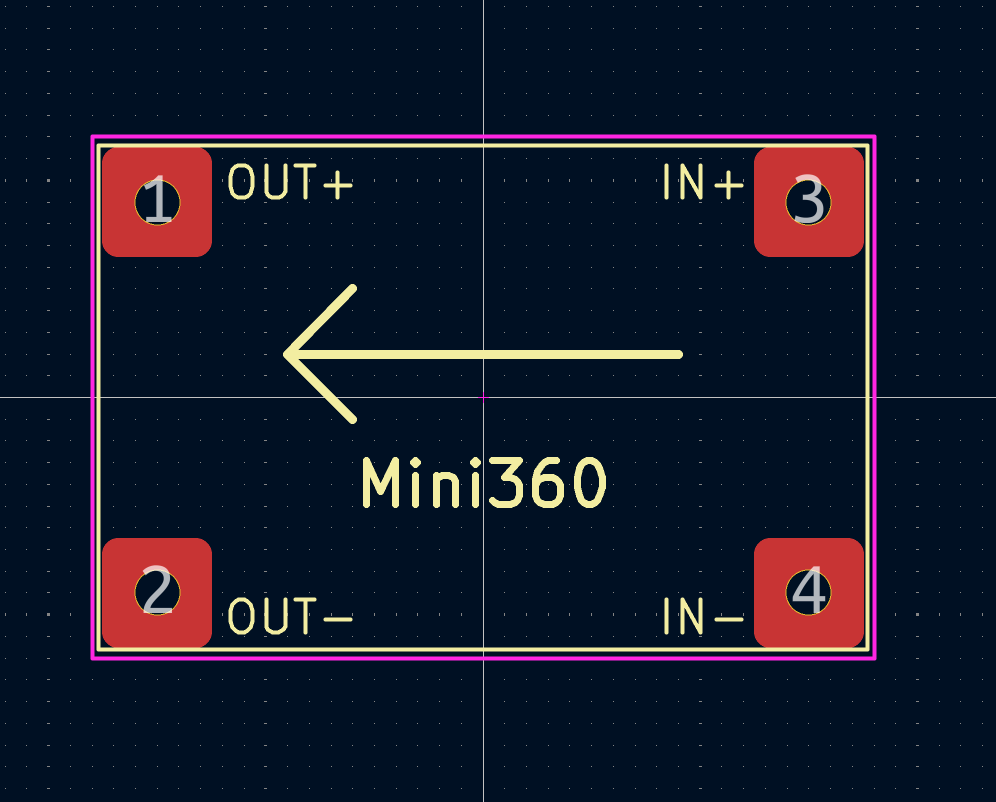
A.k.a.: MH-MINI-360
DC-DC Buck Converter with adjustable voltage output
AliExpress : https://www.aliexpress.com/item/1005012319333975.html
| Product | Symbol | Footprint |
|---|---|---|
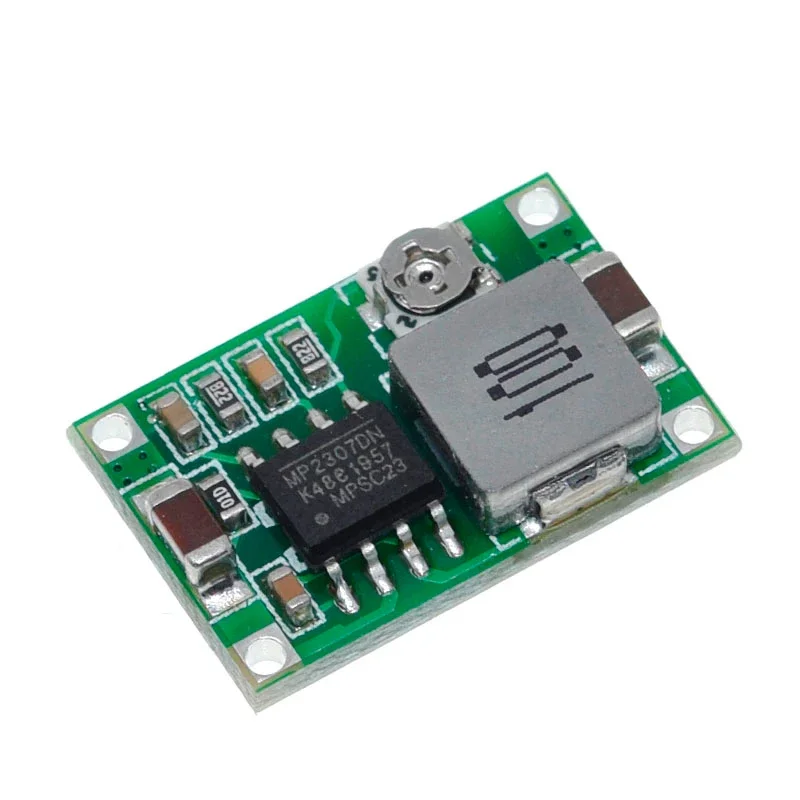 |
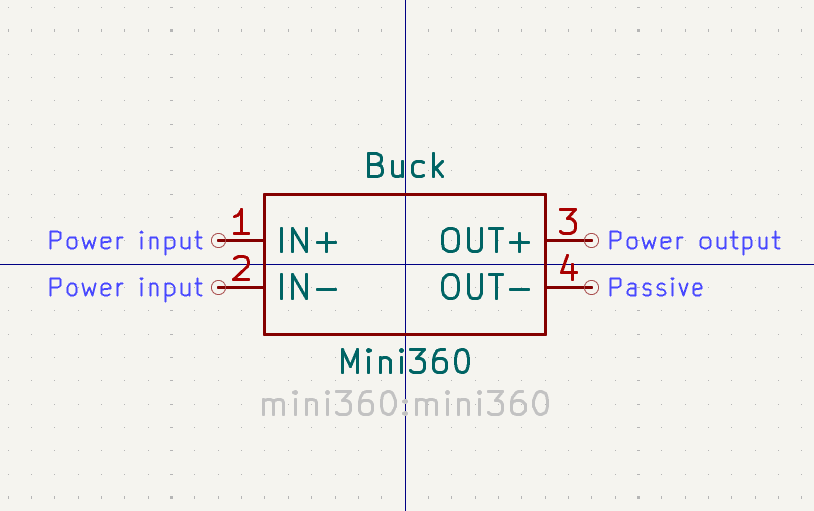 |
 |
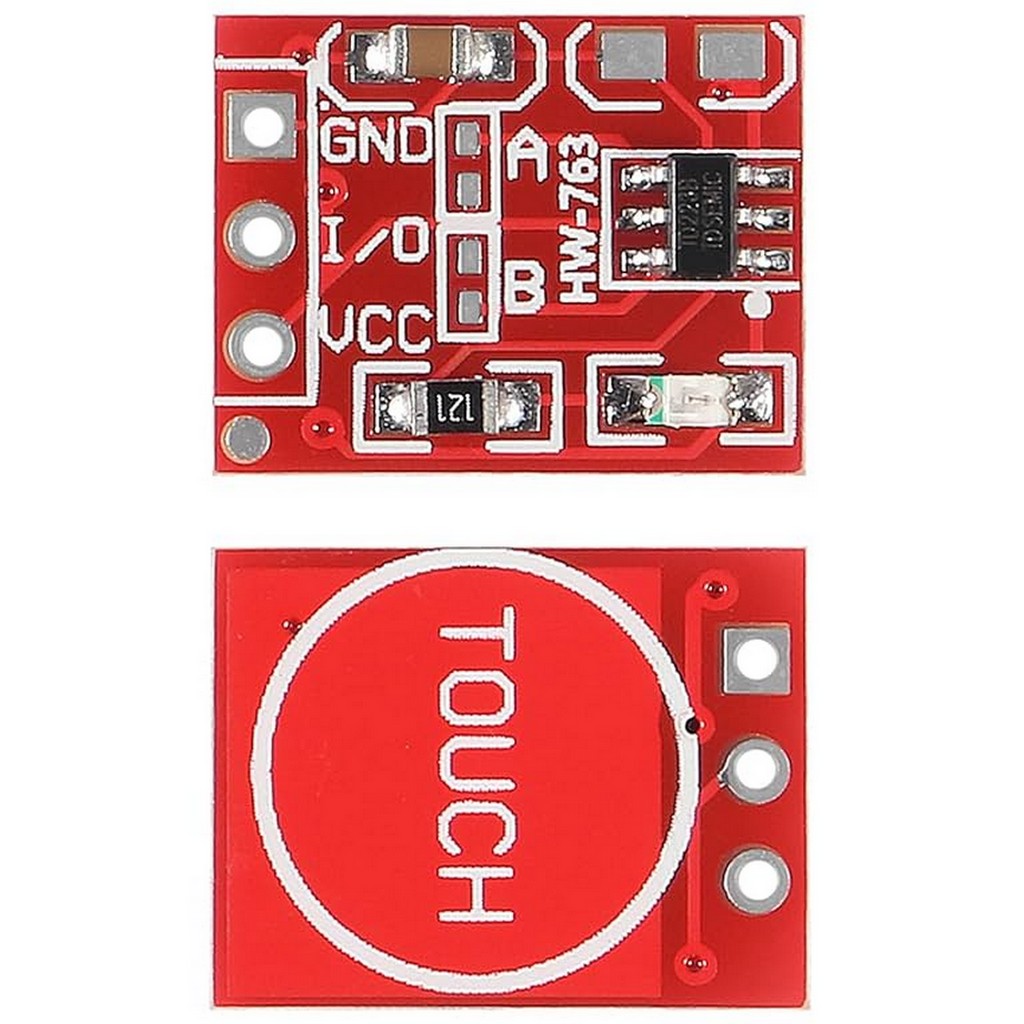
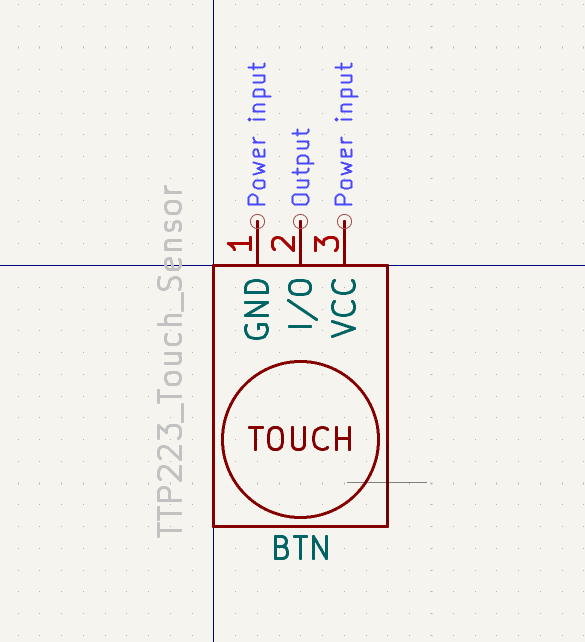
Capacitive Single Channel Touch Button
AliExpress : https://www.aliexpress.com/item/1005006246380749.html
| Product | Symbol | Footprint |
|---|---|---|
 |
 |
 |