Skip to content

Folders and files

NameName
Last commit message
Last commit date

Latest commit


History

7 Commits


Repository files navigation

Grimoire Theme 🌙

Version

Grimoire is a take on many themes with vibrant colors without sacrificing readability and reducing strain during those late hours, with a touch of magic. 🔮
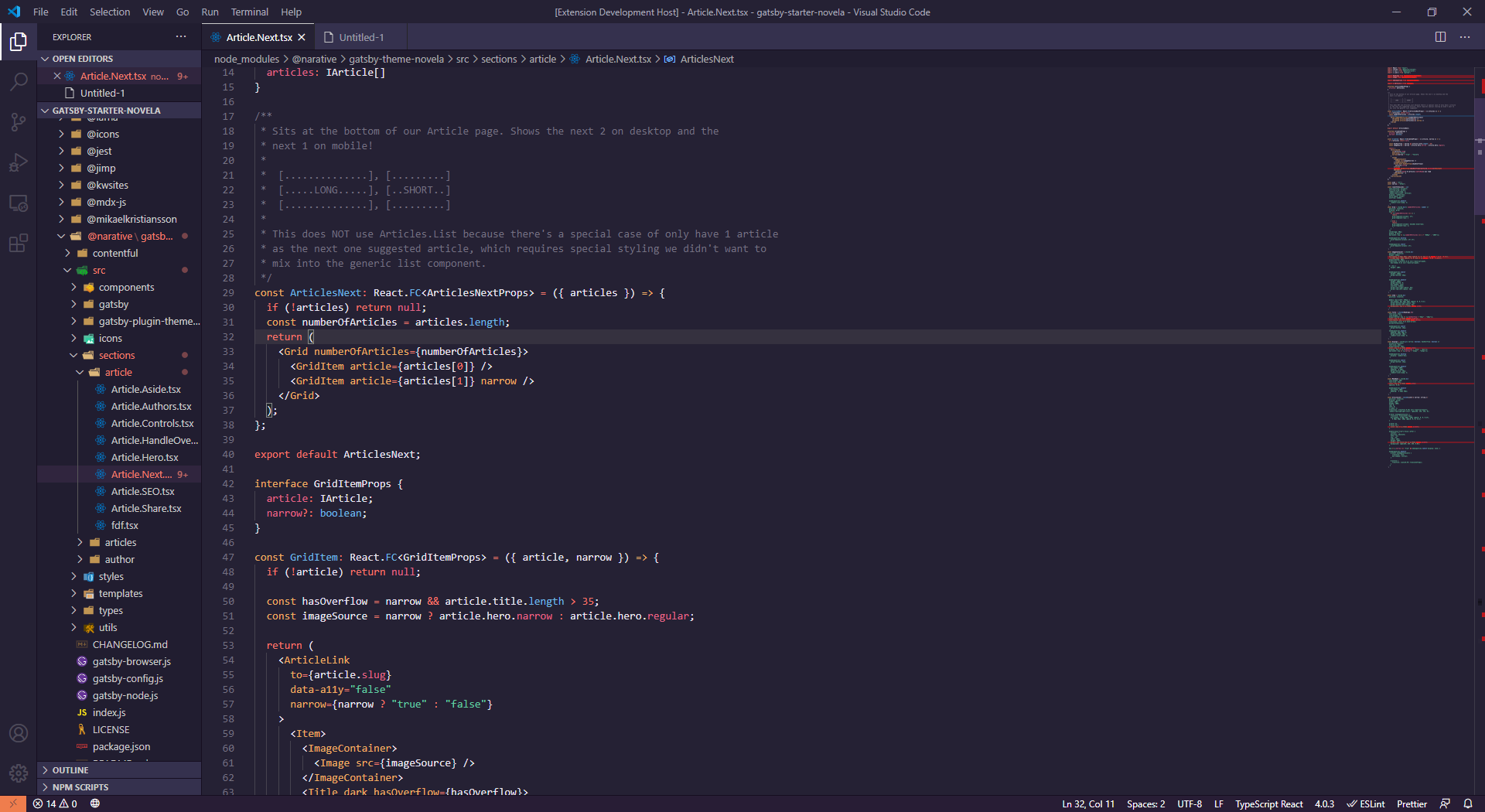
Grimoire Shadow

Screenshot

Instalation

  1. Install Visual Studio Code
  2. Launch Visual Studio Code
  3. Choose Extensions from menu
  4. Search for grimoire
  5. Click Install to install it
  6. Click Reload to reload the Code
  7. From the menu bar click: Code > Preferences > Color Theme > Grimoire

Credits

Inspired by Noctis, One Dark, Material Theme, Monokai Pro, Shades of Purple, and several others.

About

Grimoire is a take on many themes with vibrant colors without sacrificing readability and reducing strain during those late hours, with a touch of magic. 🔮

Topics

Resources

Stars

0 stars

Watchers

1 watching

Forks

Releases

Used by

Contributors