



modoki-engine.com · Documentation
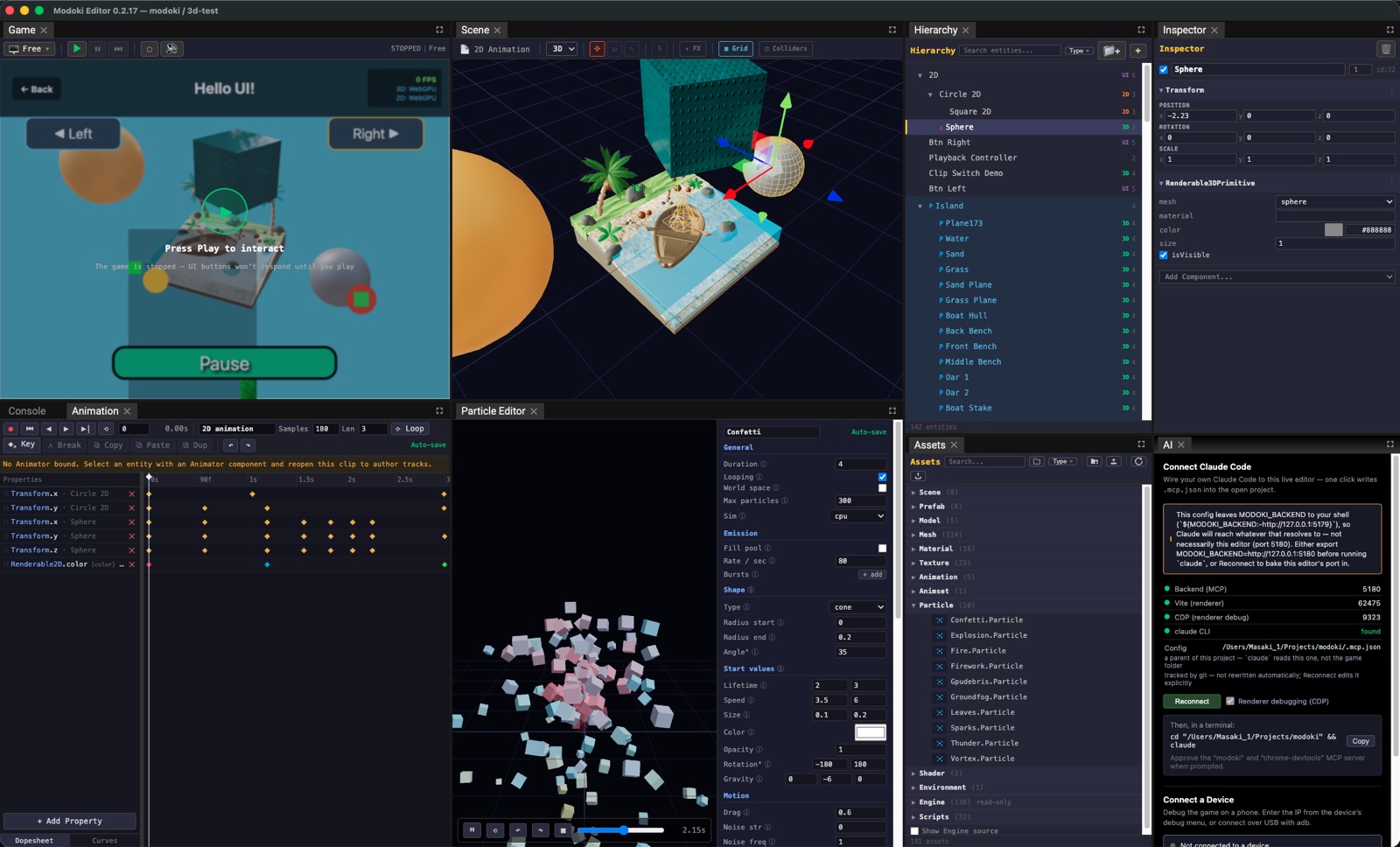
Modoki is a Claude-friendly ECS game engine and visual editor. You author games — scene data, gameplay logic (TypeScript), and asset wiring — with an AI collaborator, while a visual editor handles the things AI is bad at (pixel-level layout, final polish). It ships as a desktop editor (Electron) and builds each game to web and native iOS/Android via Capacitor.
- ECS core — a koota world with a priority-ordered system pipeline, projections, managers, and a deterministic, headlessly-verifiable frame driver.
- Rendering — Three.js (WebGPU/WebGL, 3D + NPR outline post-FX) and PixiJS (2D), driven by a
single
Renderable.layer, plus an ECS-driven DOM UI layer. - Gameplay systems — Rapier 2D/3D physics, zones, a timeline/sequencer, keyframe + skeletal + 2D flipbook animation, particles (CPU/GPU), Web Audio, input, and persistence.
- Editor — a dockable visual editor with SceneView/GameView, gizmos, undo/redo, and dedicated asset editors (animation, particles, sprites, skinning).
- Agent-native — the engine is built so an AI agent can read the live world by data and drive trusted input, and verify game logic headlessly and deterministically (no renderer, no wall-clock).
Playable, open-source showcases built with the engine — click a screenshot to play, or open the repo to see the scene/prefab data behind it.
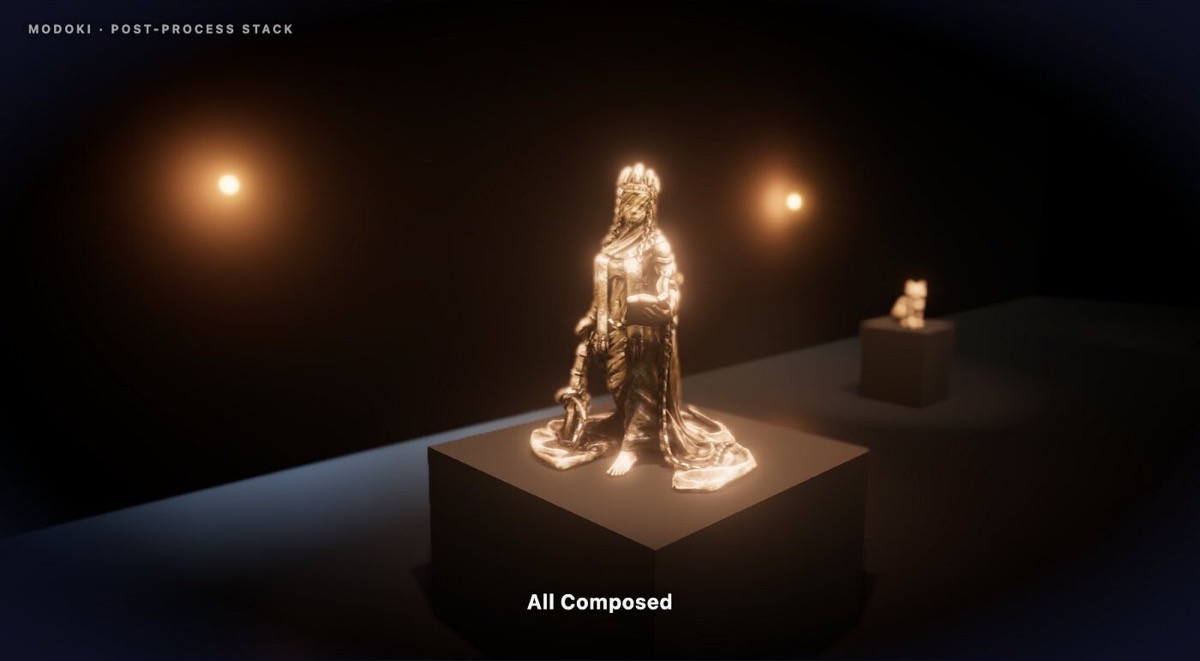 Post-FX Demo — source |
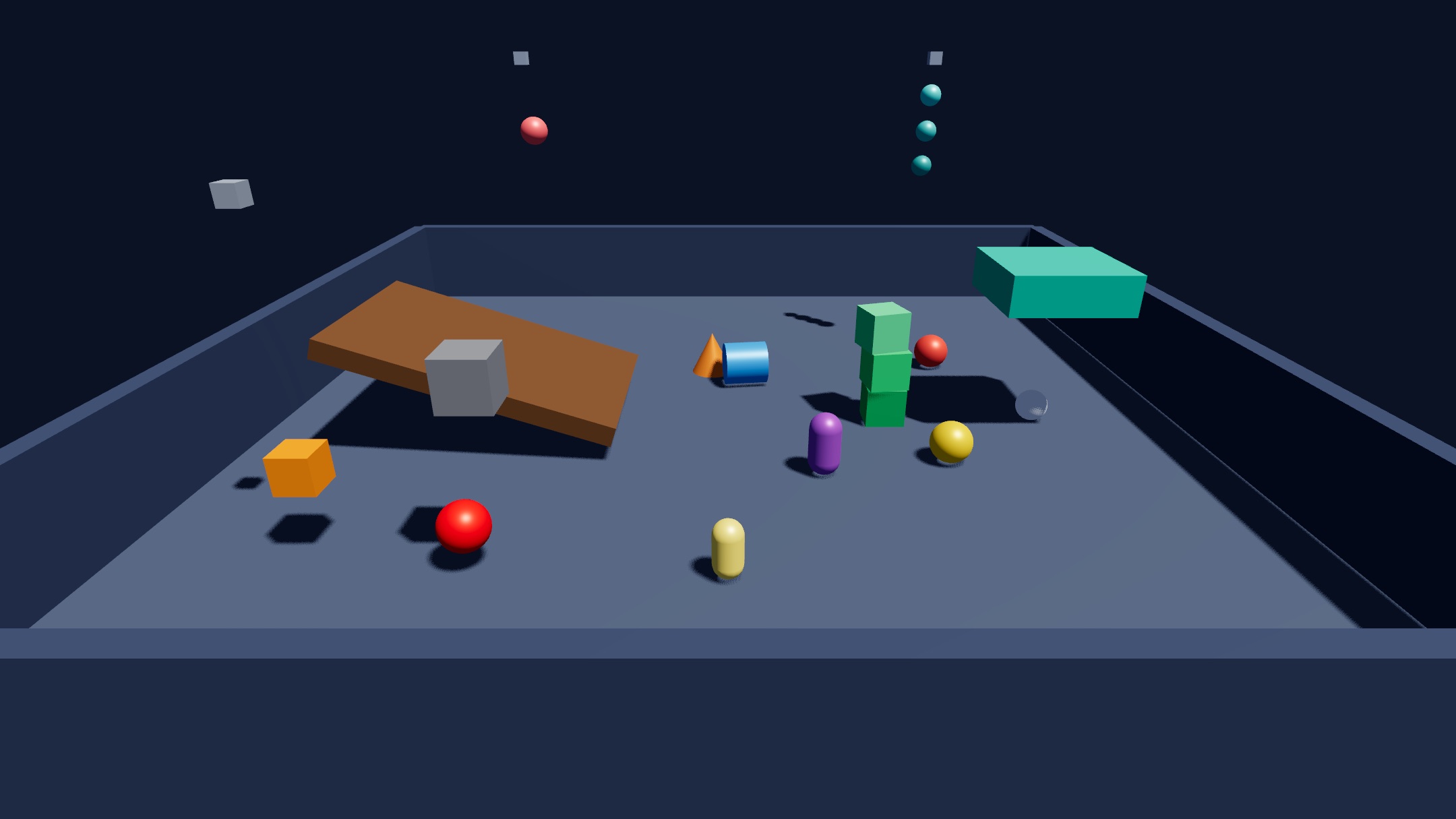 3D Physics Demo — source |
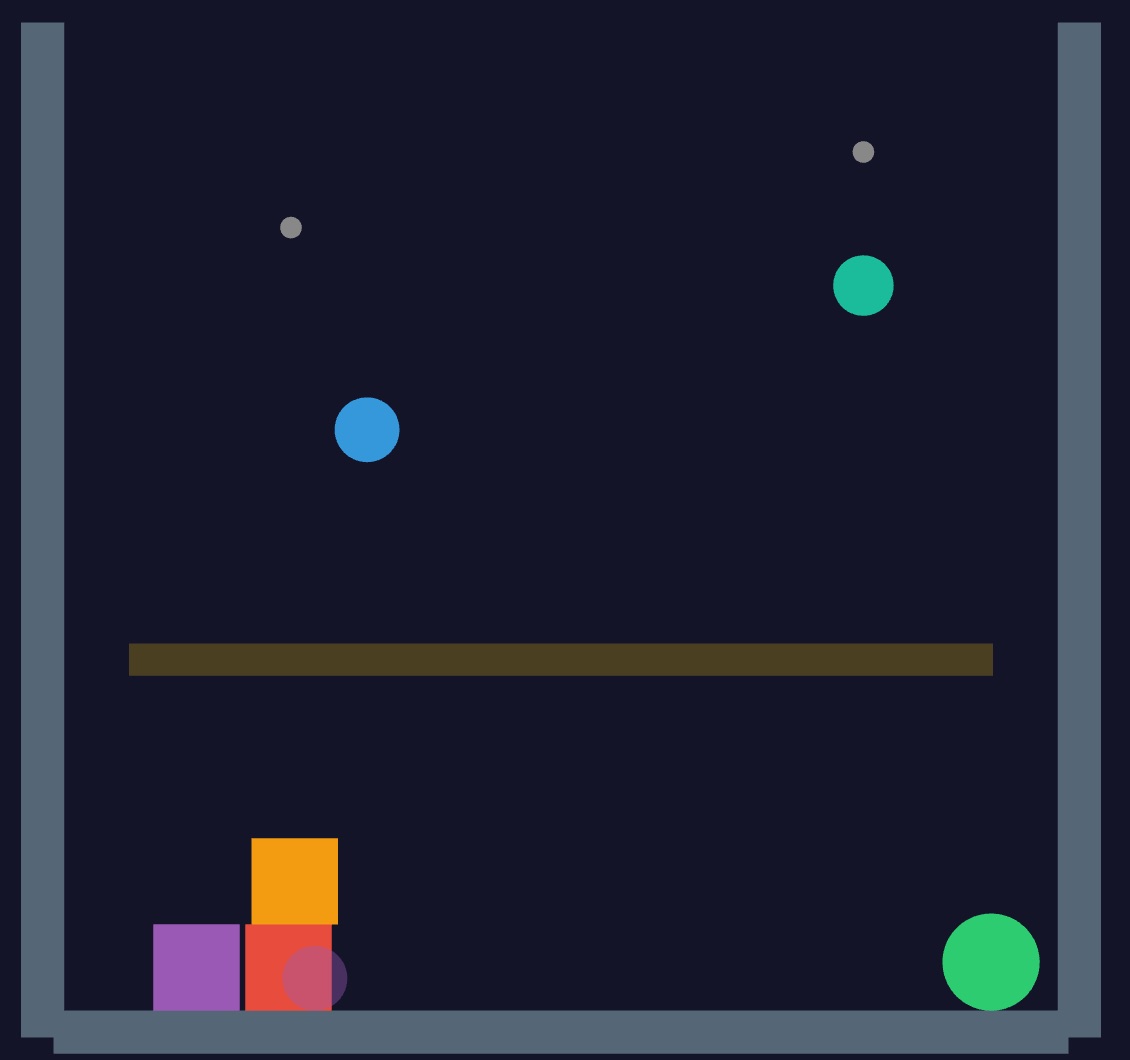 2D Physics Demo — source |
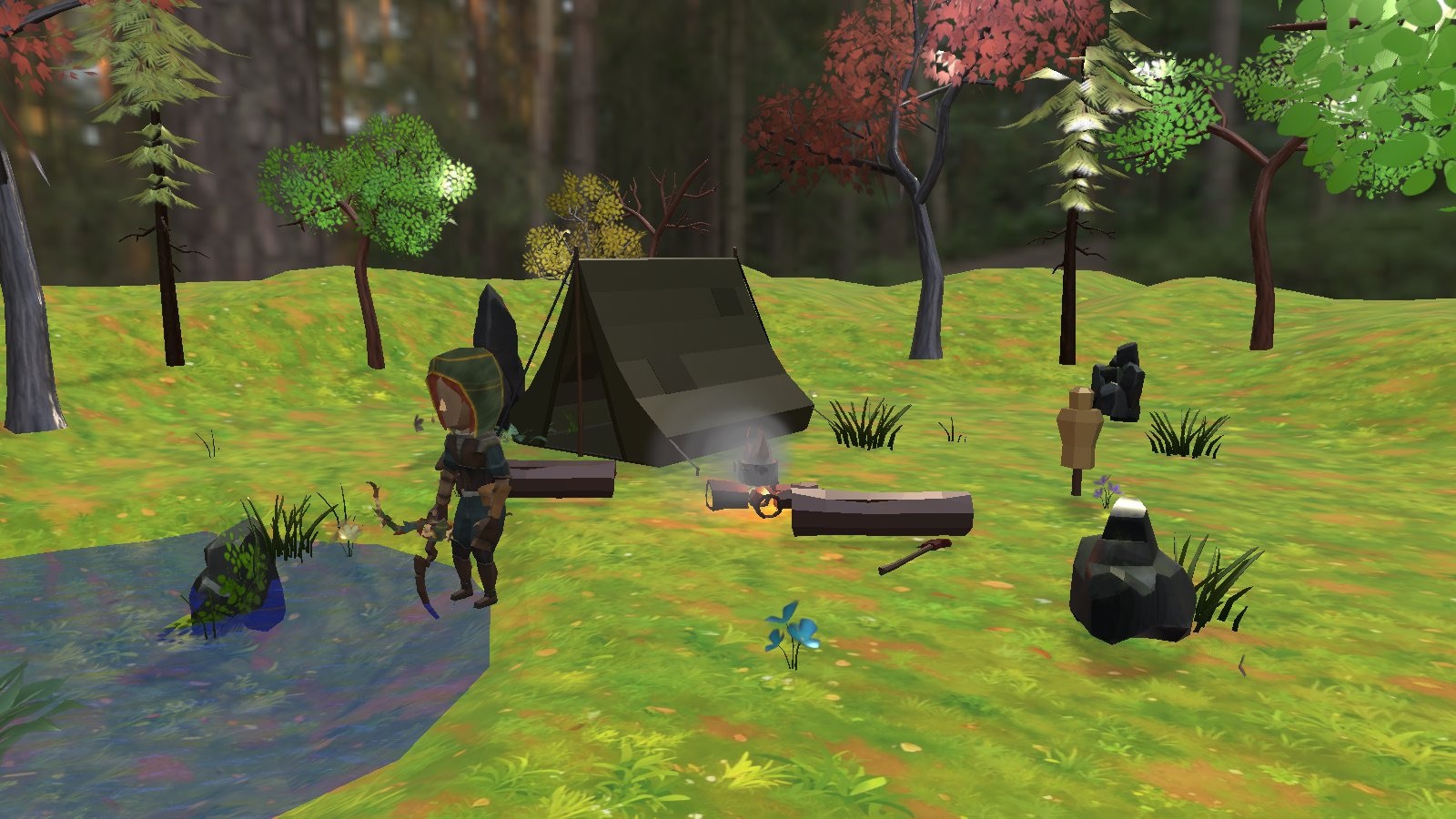 Forest Camp — source |
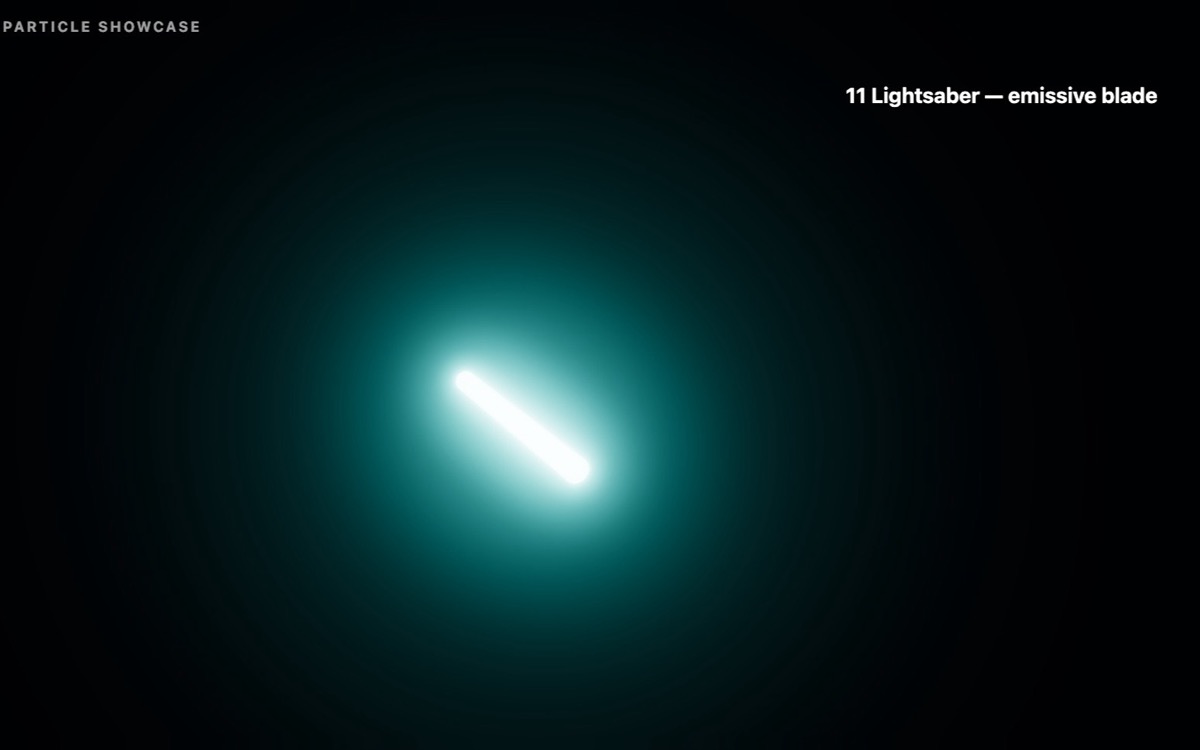 Particle Demo — source |
This repository is a public, Apache-2.0 snapshot of the Modoki engine + editor, published from a private development repository. Releases (the signed desktop editor) are cut here. This snapshot ships the engine and editor only — not the demo games from the private repo.
Prefer not to build from source? Grab the signed desktop editor from
Releases (macOS .dmg /
Windows .exe) — it bundles its own Node (via Electron) plus toktx/msdf-atlas-gen, and can
provision JDK/Android SDK for you from Build → Build Support…, so none of the below is
needed. The Requirements section is for running this repo from source.
-
Node.js 22+ and npm — required to run the editor and build games from this source checkout.
-
toktx(KTX-Software) andmsdf-atlas-gen— encode textures to KTX2 and bake MTSDF font atlases. Install the editor's pinned builds up front:npm run toolchain:install -- toktx msdf-atlas-gen
Copies on your
PATHare not used: a converted asset's cache key does not name the tool, so every machine has to convert with the same build. Without them, imports fall back to shipping source PNG/JPG (bigger builds, no compression) instead of failing. Pinned builds exist for macOS (Apple Silicon;toktxalso on Intel) and Windows x64. On Windows, unpacking the KTX installer needs 7-Zip. -
JDK 21 + Android SDK — only needed to build the Android target. The editor can provision both for you: open Build → Build Support… and click Install (downloads a pinned Temurin 21 + the
cmdline-tools/platform/build-tools the games need, no manualJAVA_HOME/ANDROID_HOMEsetup). To install by hand instead, see docs/build.md — Android needsJAVA_HOMEpointed at a JDK 21 specifically (Gradle rejects newer bytecode). -
Xcode — only needed to build the iOS target (macOS only). Install from the App Store, then
xcode-select --installand accept the license once. -
To use a specific
toktx/msdf-atlas-genon purpose (e.g. on Linux, which has no pinned build), pointMODOKI_TOKTX/MODOKI_MSDF_ATLAS_GENat it.
npm install and Vite's dev-server file watching are several times slower on a regular NTFS
volume than on macOS/Linux, largely from Windows Defender scanning every file write and
CreateProcess overhead on fork()-heavy tooling. Cloning into a Dev
Drive (a ReFS volume with Defender
exclusions, Windows 11 22H2+) closes most of that gap:
- Settings → System → Storage → Advanced storage settings → Disks & volumes → Create dev drive (a VHD-backed dev drive works fine if you don't have a spare partition).
- Clone and work from the dev drive, e.g.
D:\Projects\modoki-engine, notC:\Users\<you>\.... - Move the npm cache onto the dev drive too — by default it lives under
%AppData%/%LocalAppData%onC:, so every install still round-trips through the slow, Defender-scanned volume even with the repo itself onD::mkdir D:\npm-cache npm config set cache "D:\npm-cache" --global - Continue with
npm install/npm run devas below from that path.
git clone https://github.com/lsgmasa33/modoki-engine.git
cd modoki-engine
npm install            # installs + builds workspace plugins (postinstall)
npm run dev # Vite dev server; the editor opens your last / a new project- Editor: http://localhost:5173/#/editor
- New project: File → New Project scaffolds a runnable hello-world from the built-in starter
template (
engine/templates/starter). - Build a game to web:
MODOKI_PROJECT=path/to/project npm run build -- --target web - Native iOS/Android builds run from a project directory via the editor's Build menu.
Full documentation: https://modoki-engine.com/docs
Contributions are welcome — please read CONTRIBUTING.md first. All contributors must agree to the Contributor License Agreement before a pull request can be merged.
Apache License 2.0 — see LICENSE. Third-party dependencies are listed in THIRD-PARTY-NOTICES.md. "Modoki" and the Modoki logo are trademarks of the project owner and are not licensed under Apache-2.0 (see LICENSE §6).