
Random winner picker for React.
Giveaways, raffles, prize draws and slot-machine UIs — headless, typed, zero dependencies.



Pick a random winner in React. react-raffle-picker cycles a list of names or a number range,
freezes on a winner, and never draws the same one twice — with slot-machine reels, four CSS
animations and countdown auto-freeze.
It ships as a headless compound component: no layout opinions, no style props soup, you bring your own CSS. Performant on slow devices — high-frequency tick updates bypass React and write to the DOM via refs.
Use it for: giveaway winners on stream · prize draws · random name picker · standup speaking order · random number roller · slot-machine and lottery UIs.
npm install react-raffle-picker
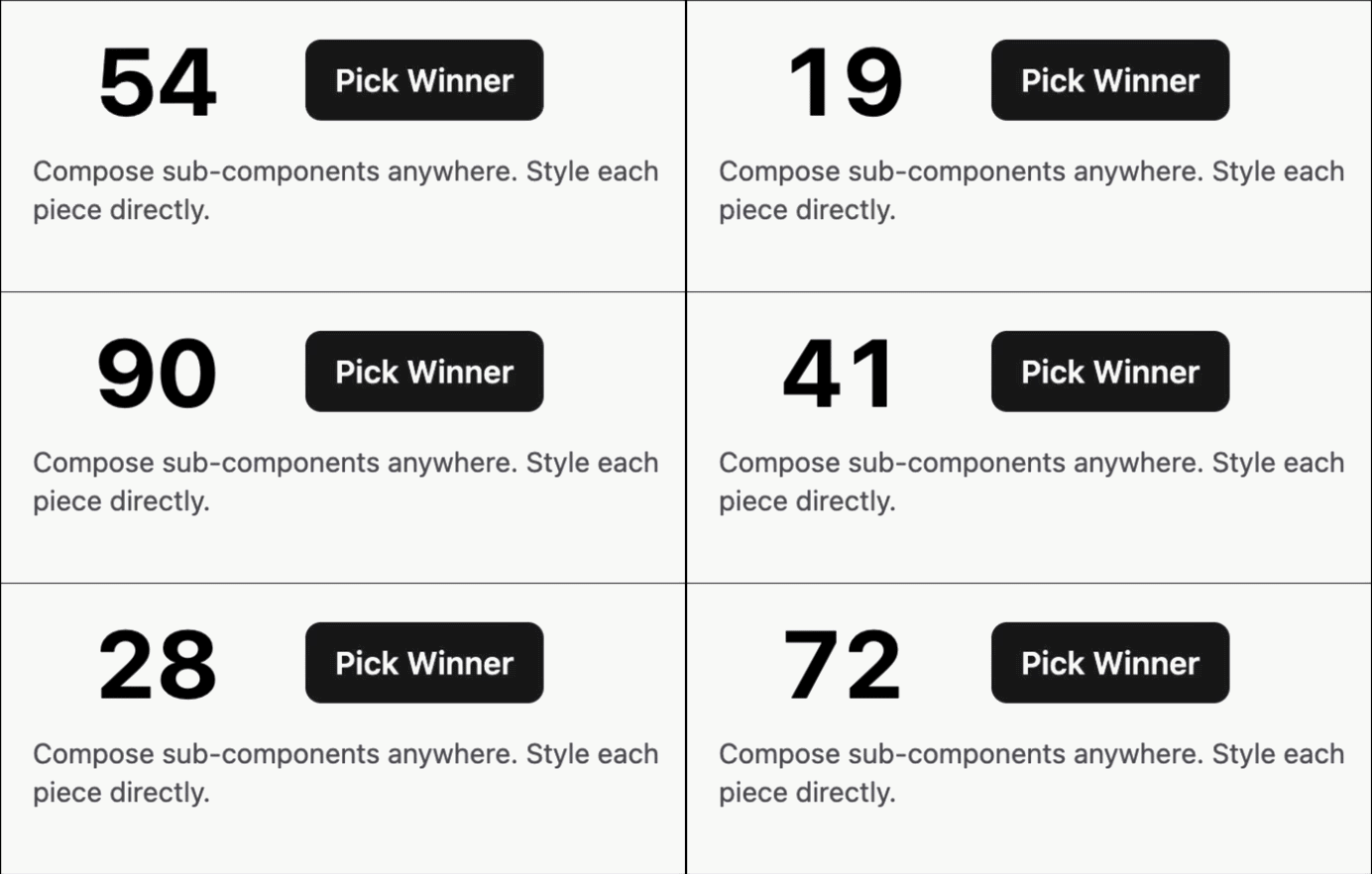 Headless — zero styles, full control |
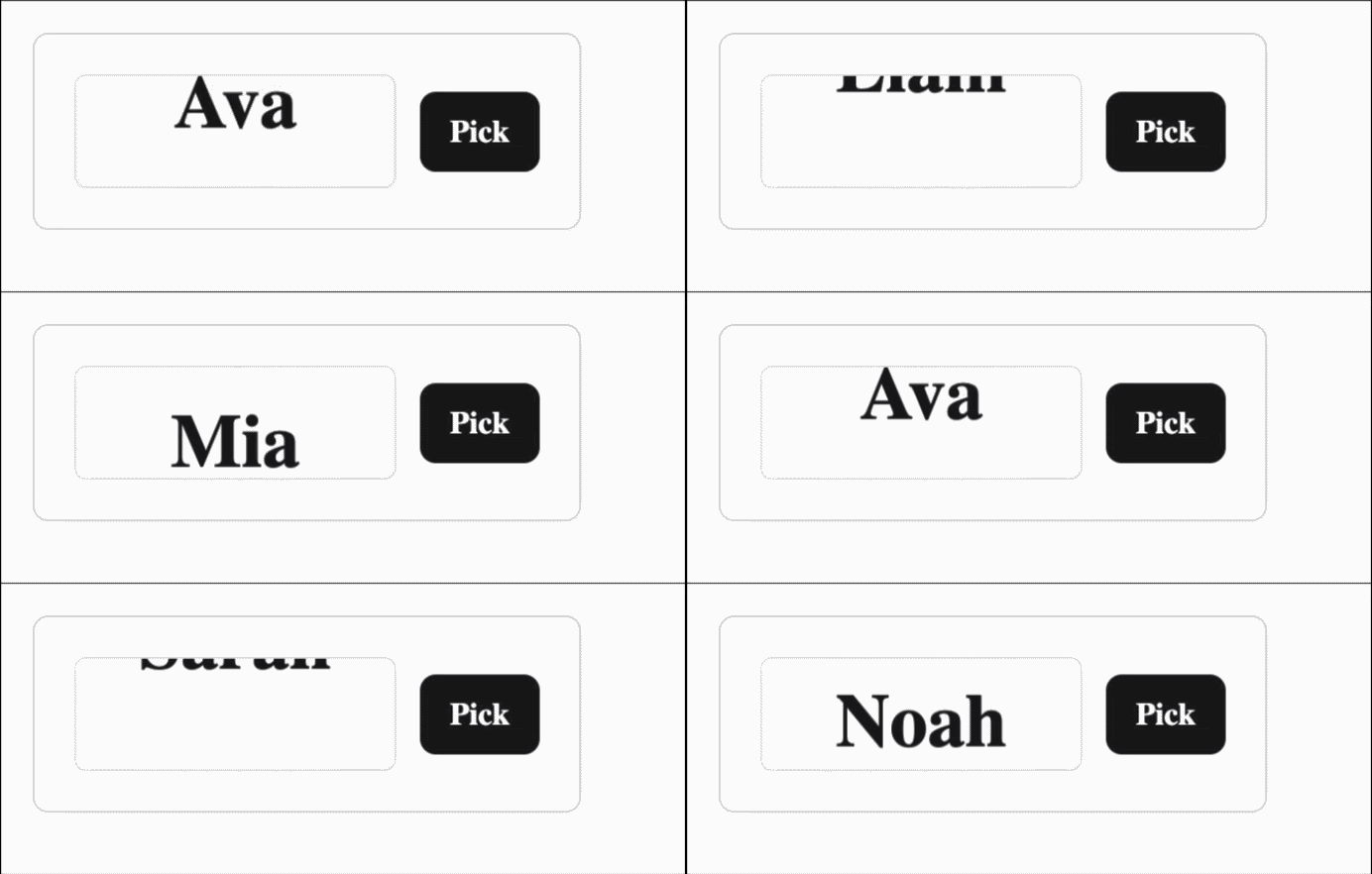 English Names — items mode + reel |
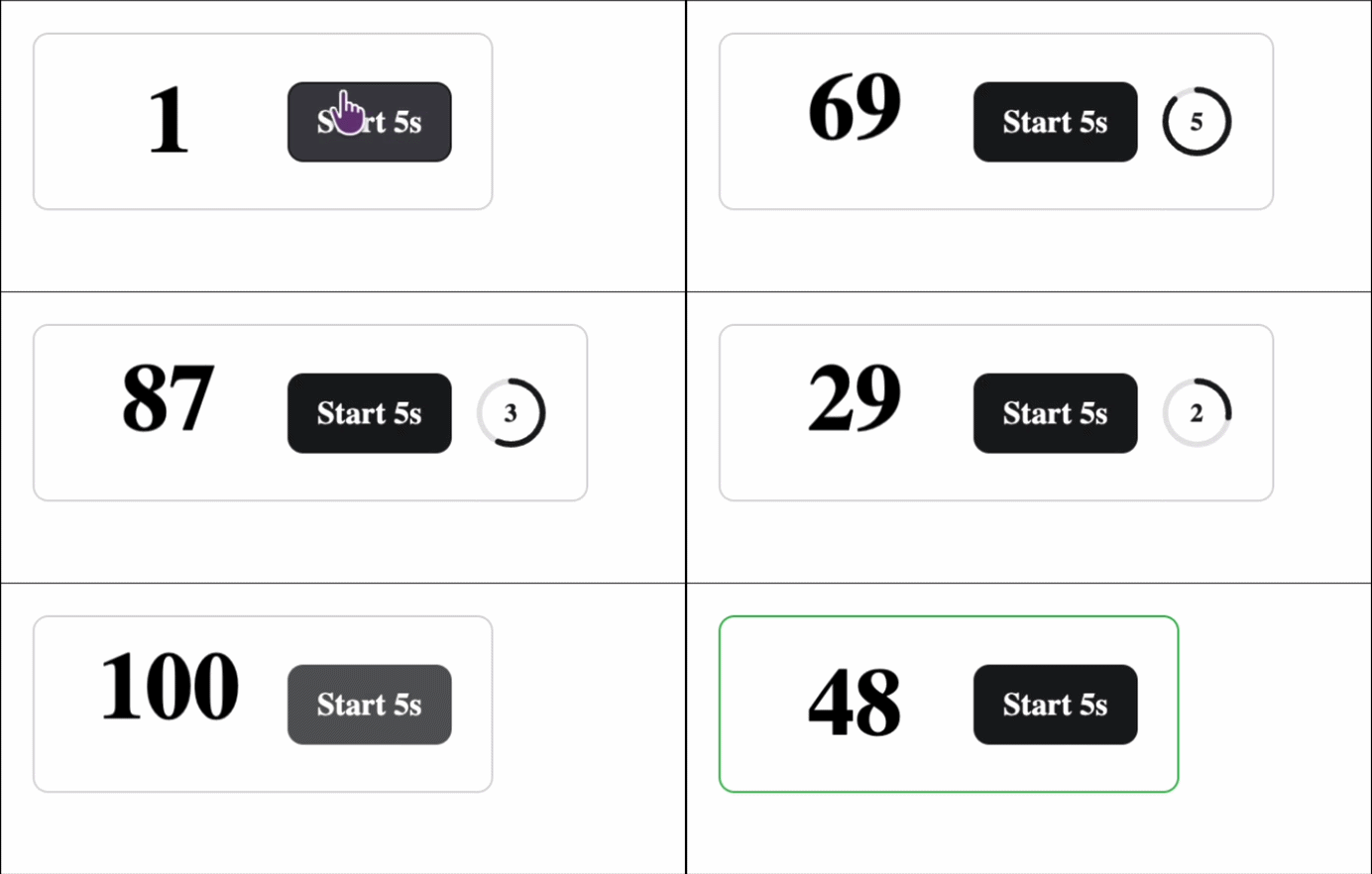 Countdown — auto-freeze with ring |
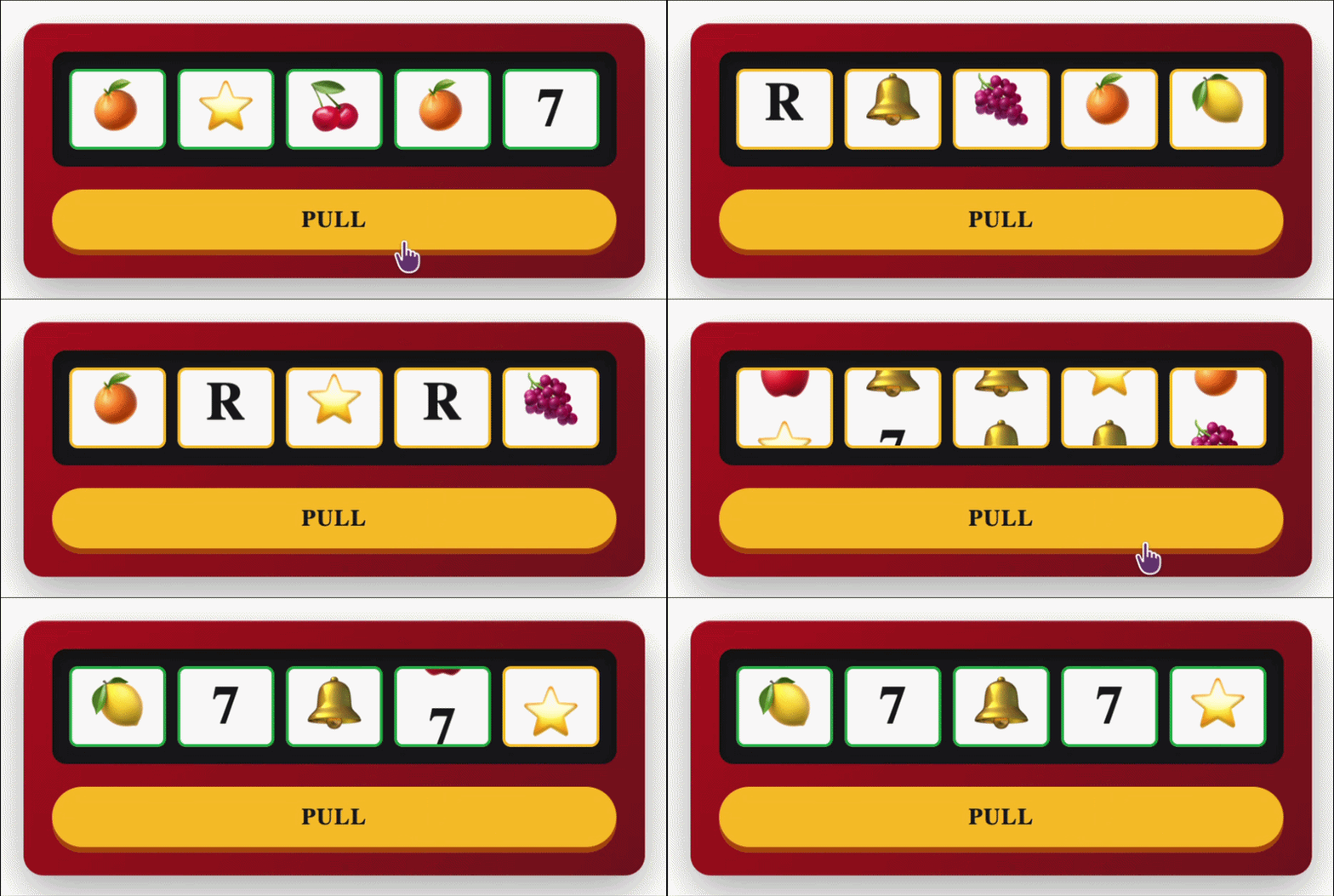 Slot Machine — independent reels |
react-raffle-picker ships as a headless compound component, not a monolithic widget. The root owns the engine — cycling, phase machine, freeze logic — and exposes it through React context. Sub-components (Value, Button, Countdown, Slots) are dumb consumers that you compose anywhere in your tree.
This means:
- No layout opinions. Wrap pieces in your own card, modal, sidebar, paragraph.
- No style props soup. Style each piece directly via
className/style. - One source of truth. All state lives in the root. Sub-components read context.
- Performance preserved. Tick updates write to DOM imperatively via refs — no React re-render per tick. Context only re-renders on phase boundaries (start, settle, freeze).
import { RafflePick } from 'react-raffle-picker'
;<RafflePick min={1} max={100} interval={100} inertia onSelect={(v) => console.log(v)}>
  <RafflePick.Value animation="roll" className="my-value" />
  <RafflePick.Button startLabel="Pick" stopLabel="Stop" />
</RafflePick>The library is headless — no global stylesheet is required for Value, Button, or Countdown. You bring your own CSS.
For the slot reel (<RafflePick.Slots>), a minimal stylesheet is required to make the column animate. Two ways to load it:
-
Auto-injected at runtime —
<RafflePick.Slots>injects a<style data-rrp-slot-base>tag intodocument.headon first mount. No action needed in CSR apps. -
Static import (recommended for SSR / strict CSP / full control):
import 'react-raffle-picker/styles.css'
This file also includes opt-in keyframes for
<RafflePick.Value animation="roll|fade|blur|reel" />. Override or replace any selector in your own CSS.
Provides context. Renders an optional wrapper element (as prop, default 'div').
| Prop | Type | Default | Notes |
|---|---|---|---|
min, max |
number |
1, 100 |
Numeric range. Ignored if items provided. |
items |
string[] |
— | Switches to item mode (cycles through names). |
interval |
number (ms, clamped ≥ 50) |
100 |
Tick speed. |
random |
boolean |
true |
Random pick vs sequential. |
inertia |
boolean |
false |
Soft start / soft stop ramp. |
autoStart |
boolean |
true |
Begin cycling on mount. |
noRepeat |
boolean |
true |
Exclude previously frozen values from later rounds — no duplicate winners across sequential draws in the same mounted instance. Set false to allow repeats. |
initialValue |
number | string |
— | Starting display before first run. Number for min/max mode, string for items mode. For <Slots>, each character seeds the corresponding reel. |
finalValue |
number | string |
— | Forces settle to land on this value. Cycle still appears random; only final freeze is rigged. For <Slots>, each character is the final char of the corresponding reel. |
onSelect |
(value) => void |
— | Fires once per round on freeze. |
onExhausted |
() => void |
— | Fires when start() is called but noRepeat has already drawn every candidate. |
as |
ElementType |
'div' |
Wrapper tag. |
className |
string |
— | Wrapper class. |
style |
CSSProperties |
— | Wrapper style. |
children |
ReactNode |
— | Sub-components. |
noRepeat in a nutshell: draw history lives in the mounted <RafflePick> instance (not persisted, not synced across instances). <RafflePick.Button> auto-disables once the pool is exhausted. For a custom trigger built on useRaffleContext(), start() becomes a no-op and fires onExhausted once the pool is empty. Call useRaffleContext().resetHistory() to allow repeats again without unmounting, or change the component's key to remount with a clean slate.
Renders the cycling value. Updates textContent imperatively each tick (no React re-render).
| Prop | Type | Default |
|---|---|---|
animation |
'roll' | 'fade' | 'blur' | 'reel' |
'roll' |
as |
ElementType |
'span' |
className |
string |
— |
style |
CSSProperties |
— |
Multiple Value instances inside one root are supported — all subscribe to the same tick.
Toggles start / freeze based on phase. Disabled during settling.
| Prop | Type | Notes |
|---|---|---|
startLabel |
ReactNode |
Shown in idle / frozen (click starts). |
stopLabel |
ReactNode |
Shown in running / starting (click stops). |
waitLabel |
ReactNode |
Shown in settling (button disabled). |
children |
ReactNode |
Fallback label when state-specific label absent. |
disabled |
boolean |
External disable, on top of the auto-disable during settling. |
className |
string |
— |
style |
CSSProperties |
— |
Schedules auto-freeze after seconds. Renders an SVG ring + numeric label by default. Optional render-prop for custom output.
| Prop | Type | Notes |
|---|---|---|
seconds |
number (required) |
Auto-freeze delay. Renders only while running. |
className |
string |
— |
style |
CSSProperties |
— |
children |
(remaining: number) => ReactNode |
Render-prop for custom UI. |
Independent multi-reel slot machine. Each reel ticks on its own and stops with a stagger.
initialValue (root prop) seeds reels char-by-char before the first run. finalValue rigs the freeze so each reel lands on the corresponding character — useful for predetermined winners or scripted demos.
| Prop | Type | Default | Notes |
|---|---|---|---|
length |
number |
3 |
Number of reels. |
chars |
string |
'0123456789' |
Charset pool. Emoji-safe (code-point split). |
spinInterval |
number (ms, ≥ 50) |
80 |
Tick rate per reel. |
staggerMs |
number |
220 |
Delay between consecutive reel stops. |
onResult |
(joined: string) => void |
— | Fires when the last reel lands. |
className, slotClassName, style, slotStyle |
various | — | Style hooks. |
Spinning wheel that lands on the value the root picks. Segments come from items, or from the min/max range in numeric mode.
Needs no stylesheet — the geometry is inline SVG, rotation runs on requestAnimationFrame, and the landing is a single CSS transition, so nothing re-renders mid-spin. Respects prefers-reduced-motion by jumping straight to the result.
Reveal on
onResult, notonSelect. The root commits the winner the instant it freezes, which is when the wheel starts its landing. Firing confetti or a result banner from the root'sonSelectshows the answerspinDurationms before the wheel gets there.
| Prop | Type | Default | Notes |
|---|---|---|---|
segments |
string[] |
root pool | Relabel segments. The winner is still chosen by the root; label i maps to pool position i. |
size |
number |
320 |
Outer diameter, px. |
colors |
string[] |
6-color palette | Segment fills, cycled. |
labelColor |
string |
'#fff' |
Label text color. |
maxLabels |
number |
40 |
Past this many segments labels are hidden — they overlap into noise. Segments still work. |
spinDuration |
number (ms) |
4200 |
Landing animation length, from freeze to rest. |
turns |
number |
4 |
Extra full revolutions before the landing angle. |
spinInterval |
number (ms per turn) |
1800 |
Free-spin speed while running. |
pointer |
'top' | 'right' |
'top' |
Where the pointer sits on the rim. |
hidePointer |
boolean |
false |
Drop the built-in triangle to render your own. |
onResult |
(value) => void |
— | Fires when the wheel comes to rest. |
className, style |
various | — | Style hooks. |
<RafflePick items={['Alice', 'Bob', 'Carol']} autoStart={false}>
  <RafflePick.Wheel size={340} onResult={(winner) => celebrate(winner)} />
  <RafflePick.Button startLabel="Spin" stopLabel="Stop" />
</RafflePick><RafflePick min={1} max={36} as="p" autoStart={false}>
Roulette landed on <RafflePick.Value animation="roll" className="chip" /> —{' '}
<RafflePick.Button startLabel="spin again" stopLabel="stop" className="link-btn" />
</RafflePick><RafflePick min={1} max={999} inertia autoStart={false} className="hero">
<RafflePick.Countdown seconds={5} className="hero__ring" />
<RafflePick.Value animation="blur" className="hero__value" />
<RafflePick.Button startLabel="Start Draw" stopLabel="Stop" className="hero__btn" />
</RafflePick>finalValue lands the freeze on a specific value while the cycle still looks random — useful for staged demos, scripted reveals, or showing a known winner.
<RafflePick
  items={['Alice', 'Bob', 'Carol']}
  initialValue="Alice"
  finalValue="Bob"
  autoStart={false}
  onSelect={(winner) => console.log(winner)} // always 'Bob'
>
  <RafflePick.Value animation="reel" />
  <RafflePick.Button startLabel="Draw" stopLabel="Reveal" />
</RafflePick>noRepeat defaults to true — each subsequent round in the same mounted
<RafflePick> automatically excludes everyone already drawn. The Button
disables itself once the pool is empty.
function Giveaway() {
  const [winners, setWinners] = useState<string[]>([])
  return (
    <RafflePick
      items={['Alice', 'Bob', 'Carol', 'Dave']}
      autoStart={false}
      onSelect={(winner) => setWinners((w) => [...w, String(winner)])}
      onExhausted={() => console.log('everyone already won')}
    >
      <RafflePick.Value />
      <RafflePick.Button startLabel="Draw next" stopLabel="Stop" />
    </RafflePick>
  )
  // Click "Draw next" repeatedly — Alice, Bob, Carol, Dave each win once,
  // then the button disables itself. Pass noRepeat={false} to allow repeats.
}<RafflePick inertia autoStart={false}>
<RafflePick.Slots
length={5}
chars="0123456789"
staggerMs={260}
onResult={(code) => console.log('winning code:', code)}
/>
<RafflePick.Button startLabel="Spin" stopLabel="Stop" />
</RafflePick>- Winner position — emit row/index alongside value (
onSelectreceives{ value, index }) and a<RafflePick.WinnerPosition>consumer that reflects the landed position. bounceanimation — vertical hop on each tick, easing back to baseline.glitchanimation — offset color-channel pulse for a digital noise feel during running.- Headless
useRafflePick()hook for users who want zero rendering from the lib. - Render-prop variant of
<Value>for fully custom DOM.
<RafflePick.Value>cycles are visual-only (aria-hidden) — high-frequency tick updates are not announced. The frozen result is announced once per round via a hiddenaria-live="polite"region.<RafflePick.Countdown>'s ring/label arearia-hidden; a one-time sr-only announcement fires when the countdown starts. The result itself is still announced by<RafflePick.Value>on freeze.styles.cssrespectsprefers-reduced-motion: reduce— value animations and the slot reel disable theiranimationunder that media query. If you ship fully custom CSS instead of the bundled stylesheet, add the same guard yourself.
- Cycle ticks (every
intervalms) writetextContentdirectly via refs — no React render. - Phase machine re-renders only on transitions (start, inertia step, settle, freeze).
- CSS animation duration is bound to
--rrp-tickso each cycle aligns with one tick — no cross-frame tearing. will-changeis scoped to running / inertia phases only, so idle / frozen text renders with crisp subpixel anti-aliasing.
MIT