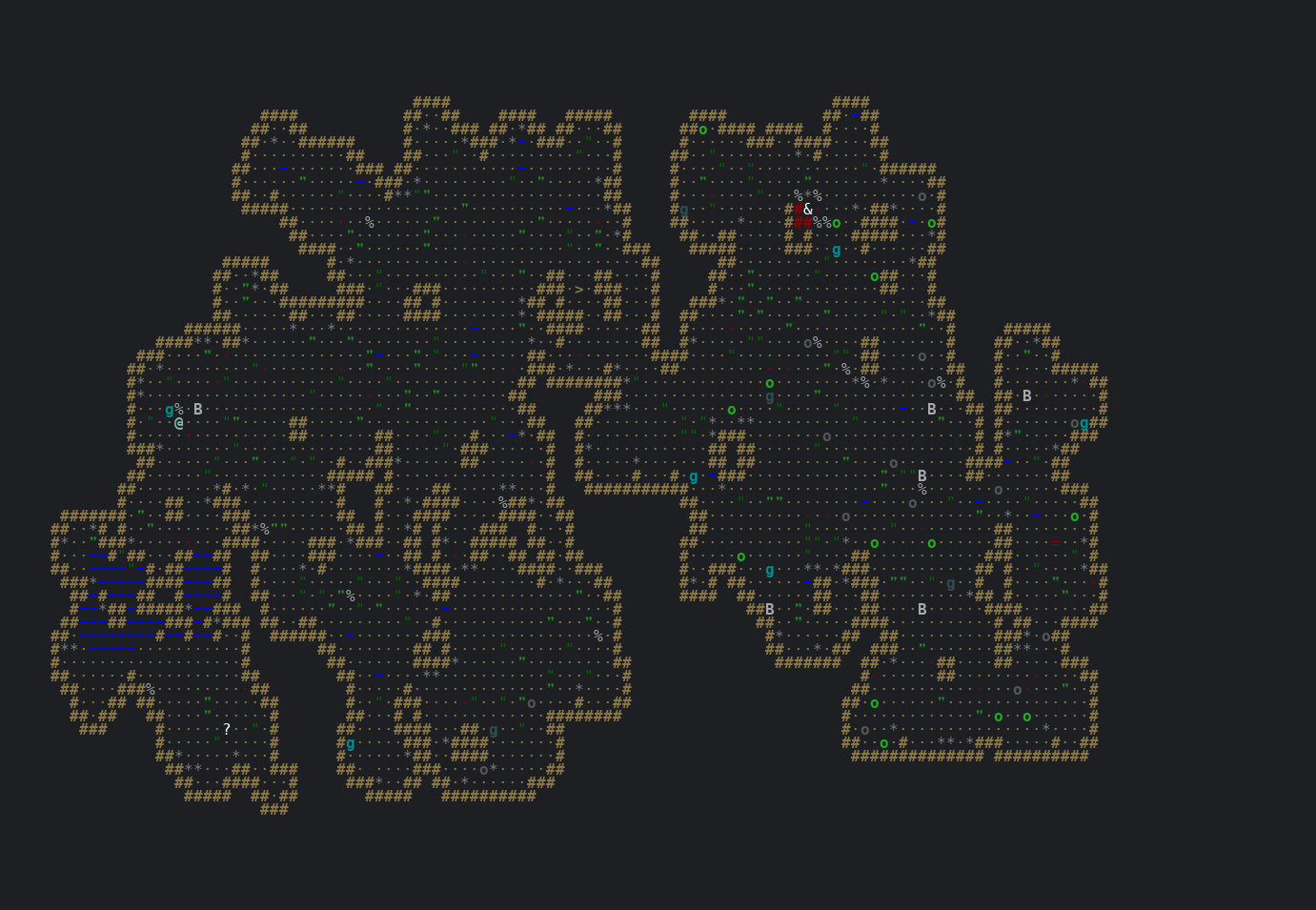
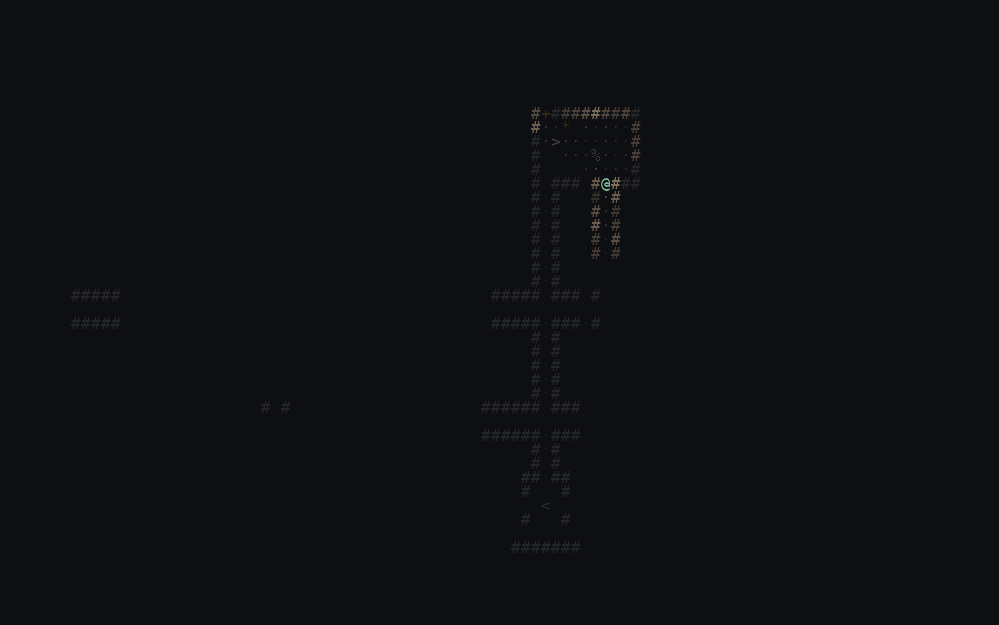
Yet another unfinished roguelike game.
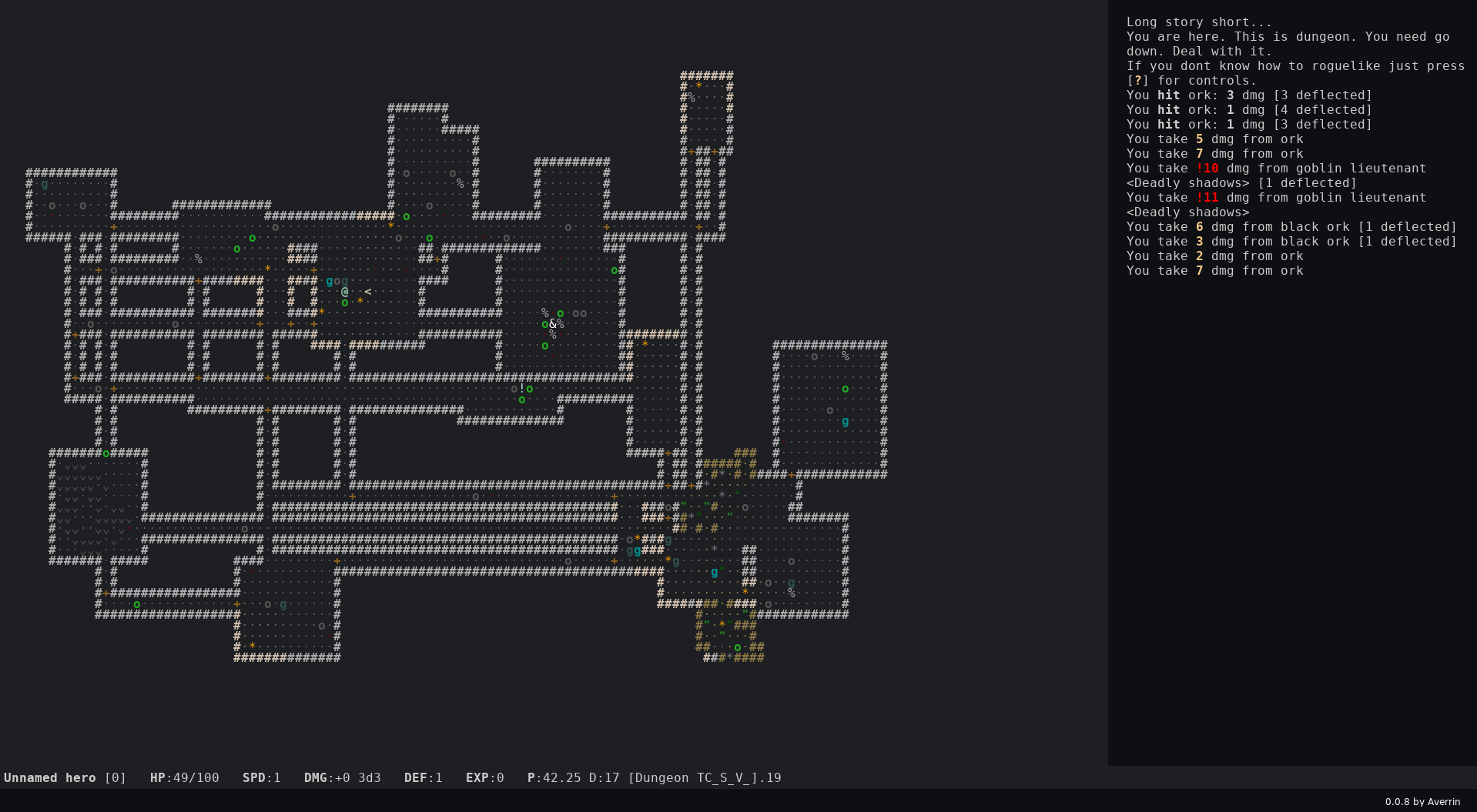
You can use snap from releases
Install it with
sudo snap install lss_*.snap --devmode --dangerous
git clone --recursive git@github.com:averrin/lss.gitcd ./lss; mkdir build; cd ./buildconan remote add bincrafters https://api.bintray.com/conan/bincrafters/public-conanconan install .. --build=missingcmake ..; make -j4
Yeah, LSS migrate from cinder to SDL2. Now its more lightweight, but lost some rendering quality. And you may need install some deps.
- Achieve same text quality as in
cinderbranch - Pages in lists
- Documentation (in help mode)
- Game over mode
- Fix attributes and effects
- Fields of view and torches
- Creature traits (for skills and enemy tricks)
- Armor
- Enemy with torches
- Map generator
- Cell & location features
- Light/shadow-related traits
- Better event log
- After death stats
- Debug menus for summoning enemies/items & location creator
- Ranged selection
- Randomized monsters and loot
- Refactor AI for optimization, using magic/throwing and different behaviors like stealth
- Hero status page
- Throwing
- Refactor effects system
- Weights
- Passive, patrol and "hero search" AI, stealth
- Chests and containers
- Passthrough seed
- Hundreds of other features...
- / — insert mode
- q — quit [
/quit,/q] - ? — help [
/help,/h] - yuhjklbn — move [
/m,/move,/n,/e,/s,/w,/nw,/ne,/se,/sw]
      y k u
       \|/
      h-•-l
       /|\
      b j n
- d[yuhjklbn] — dig [
/dig,/d] - a[yuhjklbn] — attack [
/attack,/a] - w[yuhjklbn] — walk until obstacle [
/walk] - p or , — pick [
/pick,/p] - e — equip [
/equip,/eq] - @ — status page [
/hero] - shift+d — drop [
/drop,/dr] - shift+u — use [
/use,/u] - shift+l — [un]equip light [
/light,/l] - i — inventory [
/inventory,/i] - . — wait [
/wait] - z — cast spell [
/zap,/z] - t — throw item [
/throw,/t] - < — go up [
/up] - > — go down [
/down]
- F1 — debug mode (show enemy pathes, allow uber spells)
- shift+i — inspect mode
- s — spawn item
- shift+s — spawn enemy