
Professional‑grade bulk video compressor for Windows · Handles 30 GB+ files offline


🌐 Landing Page · ⬇️ Download for Windows · Features · Tech Stack · Usage · 📖 Developer Setup
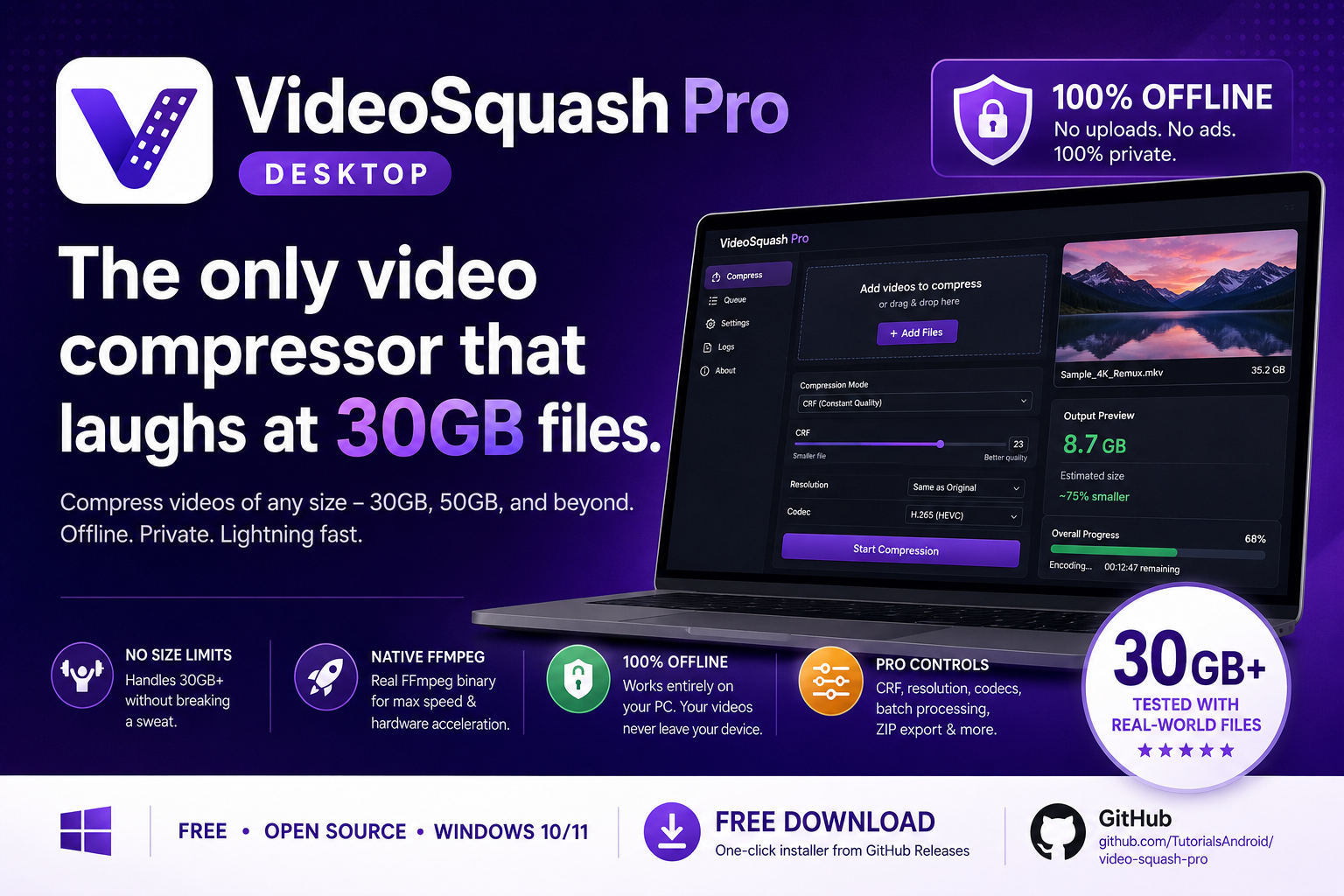
Online video compressors can’t handle real footage. Uploading a 35 GB Blu‑ray remux or a 50 GB recording session is slow, insecure, and often impossible.
VideoSquash Pro runs natively on your Windows PC using a full FFmpeg binary – no uploads, no size limits, no internet required.
✅ Crushes 30 GB+ files effortlessly
✅ Fully offline – the only network request is to download the app
✅ Professional presets, codec control, and batch processing
✅ Open source & MIT licensed
- No file size limits – tested with 30 GB, 50 GB, and beyond (streams from disk, not RAM)
- Native FFmpeg engine – H.264, H.265/HEVC, VP9, AV1 encoding with full hardware acceleration
- Batch queue – drop dozens of videos, compress them sequentially in the background
- Real‑time progress – per‑file percentage, time remaining, and current speed
- Smart presets – Maximum / High / Medium / Low, plus fully custom CRF, resolution, codec, container
- Privacy‑first – zero telemetry, analytics, or network calls after installation
- ZIP export – bundle all compressed videos into a single archive
- Modern, responsive UI – built with the same design language as ImageSquash Pro
- Keyboard shortcuts –
Ctrl+Enterto compress all,Ctrl+Dto export ZIP
- Electron hosts the UI (HTML/CSS/JS) and spawns a native FFmpeg child process.
- FFmpeg reads the source file directly from disk and writes the output – the whole video is never loaded into memory.
- ffprobe extracts the video duration for accurate progress calculation.
- Progress events are sent via IPC from the main process to the renderer and displayed live.
- The final files are stored locally – nothing is ever uploaded.
| Layer | Technology |
|---|---|
| Runtime | Electron 28 |
| Video engine | FFmpeg (native binary) |
| Metadata | ffprobe |
| UI | HTML5, CSS3, Vanilla JS |
| ZIP creation | JSZip |
| Build/packaging | electron-builder (NSIS installer) |
- Go to the Releases page.
- Download the
VideoSquash-Pro-Setup-x.x.x.exefile. - Run the installer – it’s a standard Windows setup, no command line required.
- Launch VideoSquash Pro from the Start Menu or desktop shortcut.
📖 For detailed setup instructions, see SETUP.md
git clone https://github.com/TutorialsAndroid/video-squash-pro.git
cd video-squash-pro
npm install
npm startThis repository does not include the FFmpeg/ffprobe binaries because of their large size.
You must download them yourself before running or building the app:
- Go to gyan.dev and download the release essentials static build for Windows.
- Extract the archive and copy both
ffmpeg.exeandffprobe.exeinto theassets/folder of this project. - Continue with the steps below.
Build your own installer:
npm run buildThe installer will appear in the dist/ folder.
All compression settings are adjustable in the UI. The default High preset:
| Setting | Value |
|---|---|
| CRF (quality) | 30 |
| Max resolution | 1920 px |
| Codec | H.264 (libx264) |
| Container | MP4 |
| Audio | AAC 128kbps (optional removal) |
For extreme size reduction, switch to Maximum (CRF 40, 854 px, VP9/WebM).
Contributions, issues, and feature requests are warmly welcome!
Feel free to check the issues page or open a pull request.
This project is licensed under the MIT License – see the LICENSE file for details.
Made with ❤️ by TutorialsAndroid