
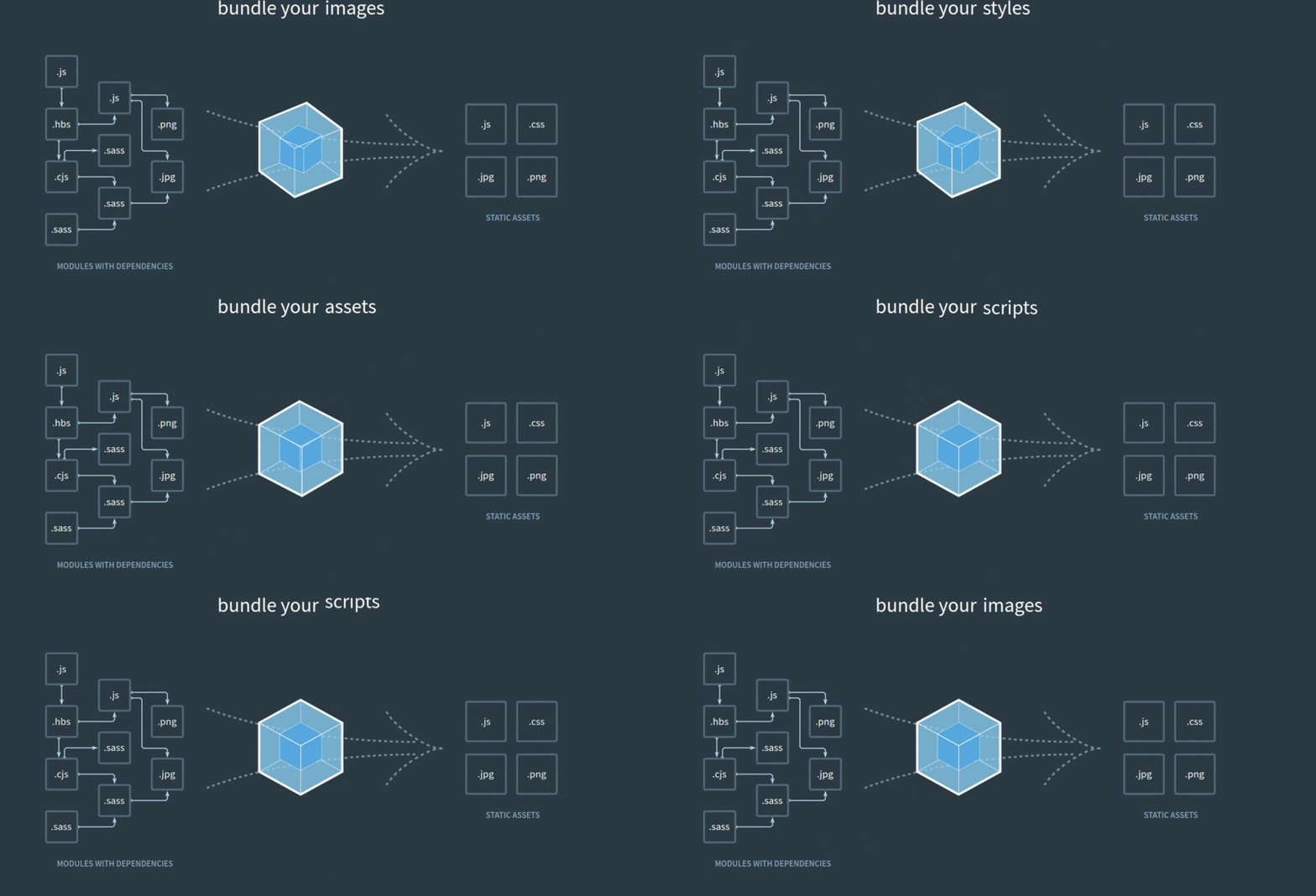
- Webpack configuration for development and production
- Transpile .ts and ES6+ to ES5
- Convert SCSS to CSS
- Managing static resources
- Use of different plugins in Webpack
Run
git clone https://github.com/thejsdeveloper/webpack4-setup.git
cd
webpack4-setup
npm install
Run
npm startfor a dev server. Navigate tohttp://localhost:3000/. The app will automatically reload if you change any of the source files.
Run
npm run buildto build the project for production.
The build artifacts will be stored in the build/ directory.
- Open a PE request to activate (if it's dormant) or create the AWS IAM user in production. Have them share its credentials with you (e.g. https://sol-jira.atlassian.net/browse/DATAGO-92450)
- Create a new AWS profile under
~/.aws/credentialsand name it[uottahack]. Add the credentials from the previous step to it
[uottahack]
aws_access_key_id=<uottahack-access-key-id>
aws_secret_access_key=<uottahack-secret-access-key>
- Run
npm run deploy