
An open-source, serverless S3-style console that allows you to manage assets inside your GitHub repositories and generate edge-cached jsDelivr CDN links instantly. A free, lightweight content delivery network backend.




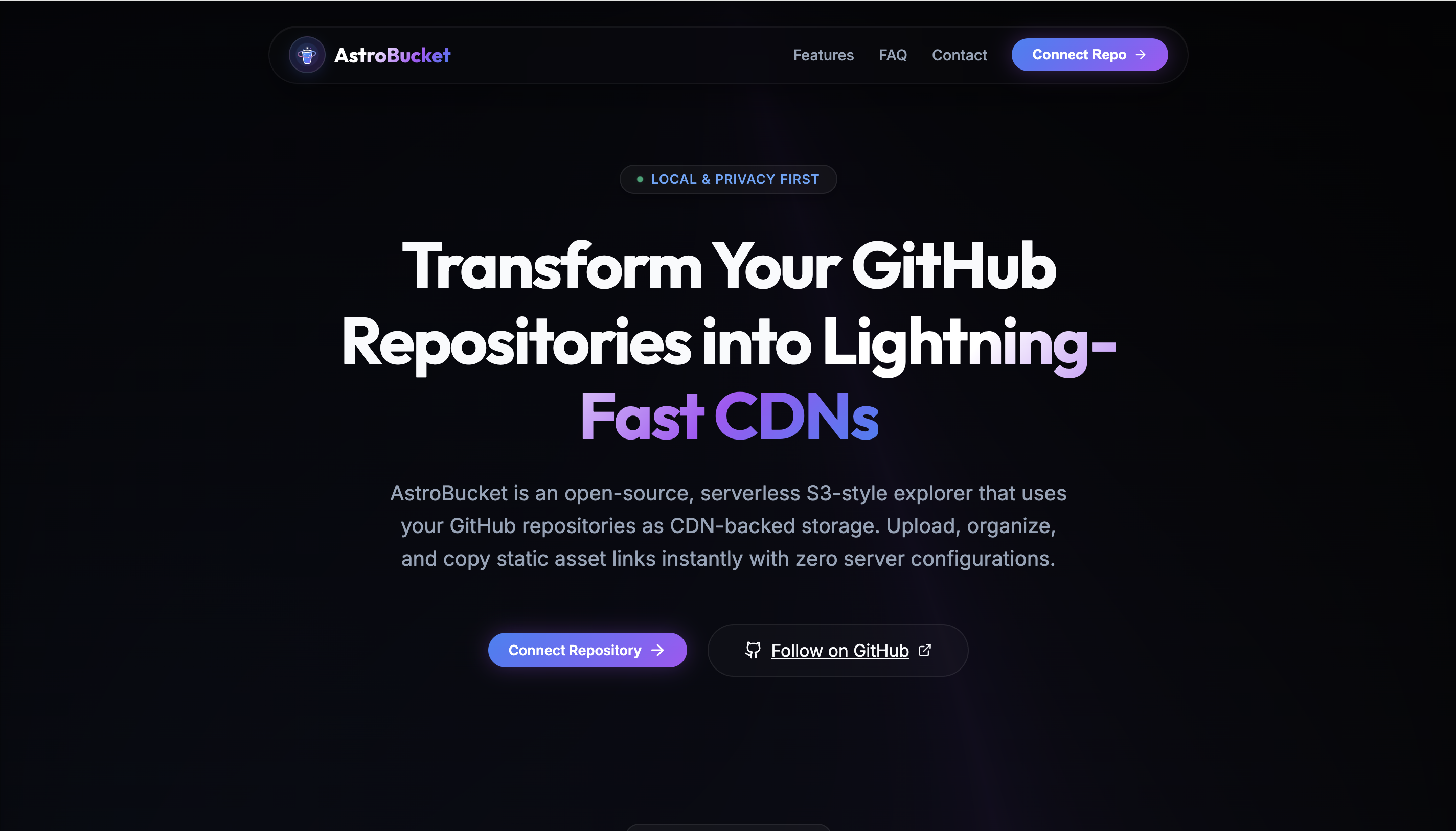
Landing Page — fluid glassmorphism design with a WebGPU-inspired aesthetic.

S3-style File Explorer — browse, manage, and upload assets directly to your GitHub repository.
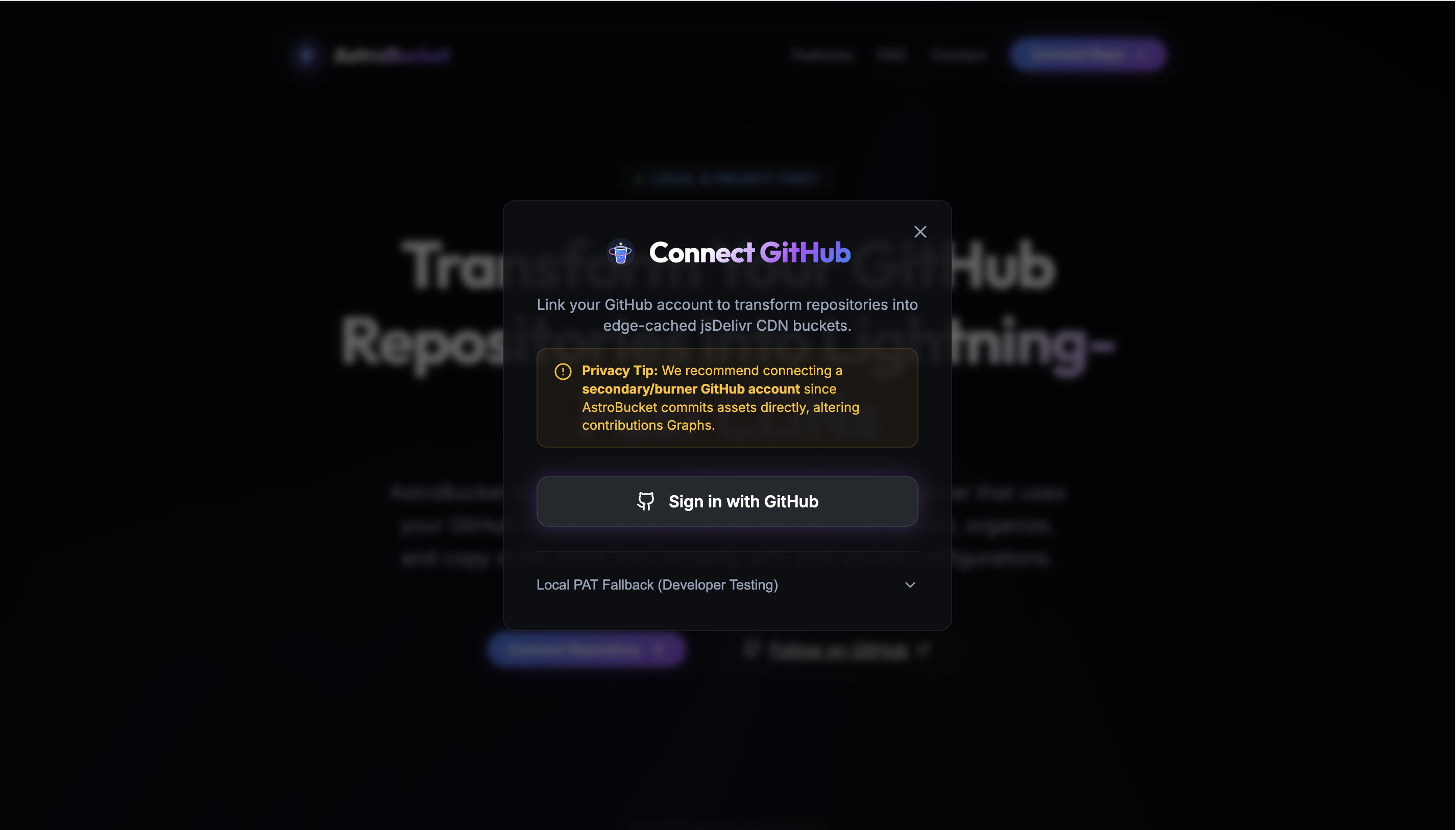
OAuth Connection — securely connect your GitHub account entirely on the client side.
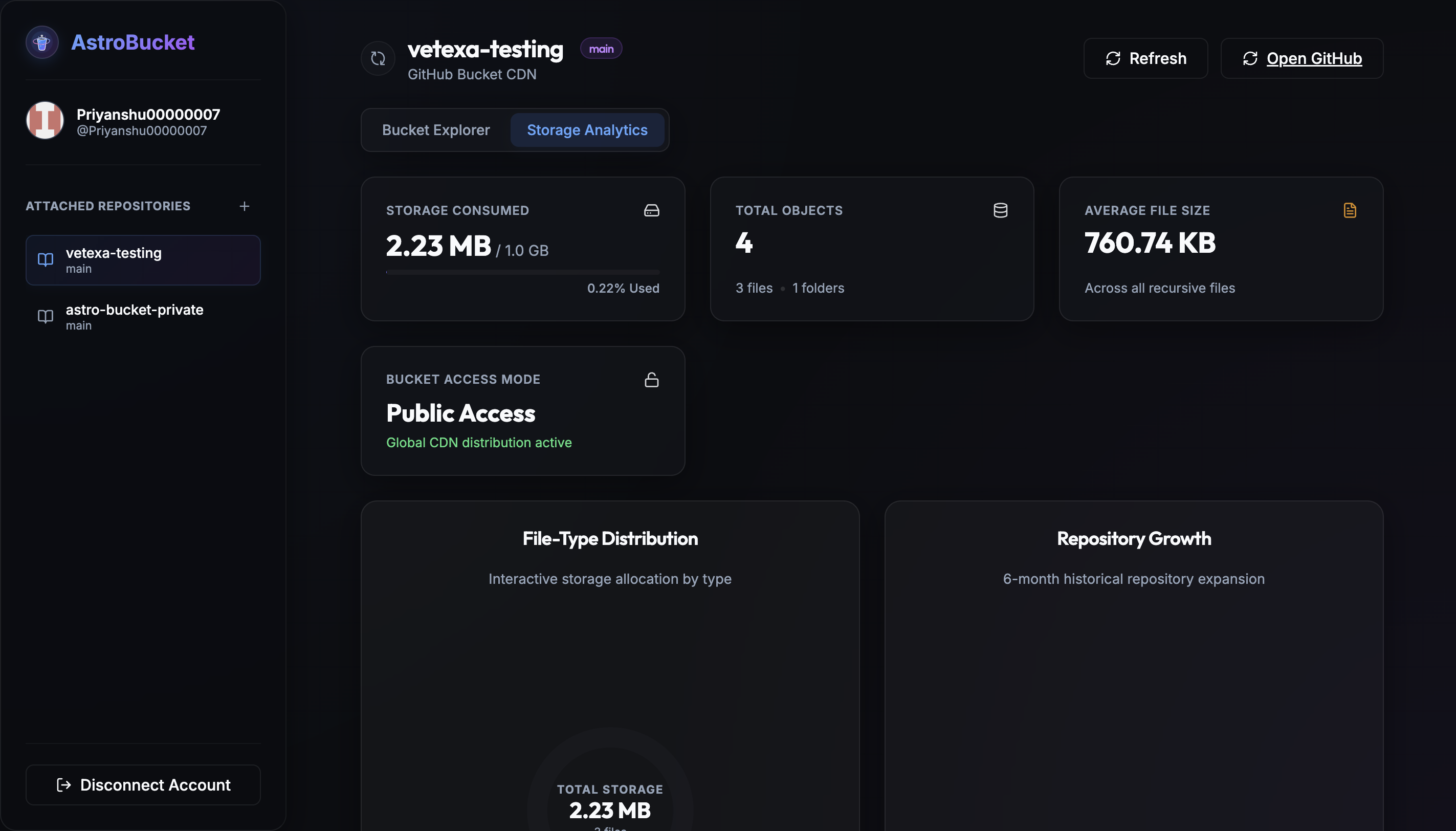
File Analytics — analyze your storage usage with visual metrics and charts.
| Technology | Version | Role |
|---|---|---|
| React | 19.2 |
Core UI Library |
| Vite | 8.0 |
Next-generation frontend tooling |
| TypeScript | ~6.0 |
Strict typing and code integrity |
| Technology | Role |
|---|---|
| Vanilla CSS | Custom Glassmorphism design system |
| GitHub API | Direct client-to-API communication for asset storage |
| jsDelivr | Infinite bandwidth global edge-caching for assets |
| Lucide React | Clean, consistent vector icons |
                        ┌────────────────────────────────────────┐
                        │             React Client               │
                        │        (Browser Local Storage)         │
                        └───────────────────┬────────────────────┘
                                            │
                                100% Client-Side API Calls
                                            ▼
                        ┌────────────────────────────────────────┐
                        │            GitHub REST API             │
                        │    (Reads/Writes Commits to Repos)     │
                        └───────────┬────────────────┬───────────┘
                                    │                │
            Uploads Assets          │                │ Serves Cached Links
                                    ▼                ▼
                        ┌───────────┴────┐   ┌───────┴───────────┐
                        │   GitHub Repo  │──▶│    jsDelivr CDN   │
                        │(Storage Layer) │   │ (Edge Networking) │
                        └────────────────┘   └───────────────────┘
- Serverless & Local-First: AstroBucket has no backend middleman. Your OAuth tokens are stored in
localStorageand all API requests are made directly from your browser to GitHub. - Git as a Database: Re-purposes GitHub repositories to act as storage buckets, leveraging Git's versioning and tree structure to create a virtual filesystem.
- Edge Distribution: Instantly converts GitHub raw file paths into
cdn.jsdelivr.net/gh/...links, giving your assets enterprise-grade edge caching for free.
- On-Device Privacy: Your credentials and personal access tokens never leave your browser.
- Instant Global CDN: Uploaded assets are immediately served using jsDelivr edge networks. Benefit from automated CDN caching, file minification, and gzip compression.
- S3-Style Console: Create subdirectories, preview assets, delete files, and drag-and-drop uploads inside an intuitive visual workspace mimicking AWS S3.
- Fluid Glassmorphism UI: Beautiful, hardware-accelerated aesthetic with frosted glass panels, subtle gradients, and reactive micro-animations.
- Node.js
>= 20.0 - npm or Bun
- A GitHub account (a secondary/burner account is recommended to keep your primary commit graph clean)
# Clone the repository
git clone https://github.com/Priyanshu0007/AstroBucket.git
cd AstroBucket

# Install dependencies
npm install

# Start the Vite development server
npm run dev- Glassmorphism: Built from the ground up using custom vanilla CSS. Heavy use of
backdrop-filter: blur(), semi-transparent backgrounds, and stark contrast text. - Typography Guidelines:
- Headings:
Outfitfor modern, geometric display titles. - Body:
Interfor highly readable interfaces and data displays.
- Headings:
- Theme: Deep space dark mode (
#0f1115) accented with vibrant primary blues (#3b82f6) and dynamic text gradients.
Built with ♥ by Priyanshu Gupta

