GPTZero: "Is this citation real?"
receipts: "Is this citation right?"


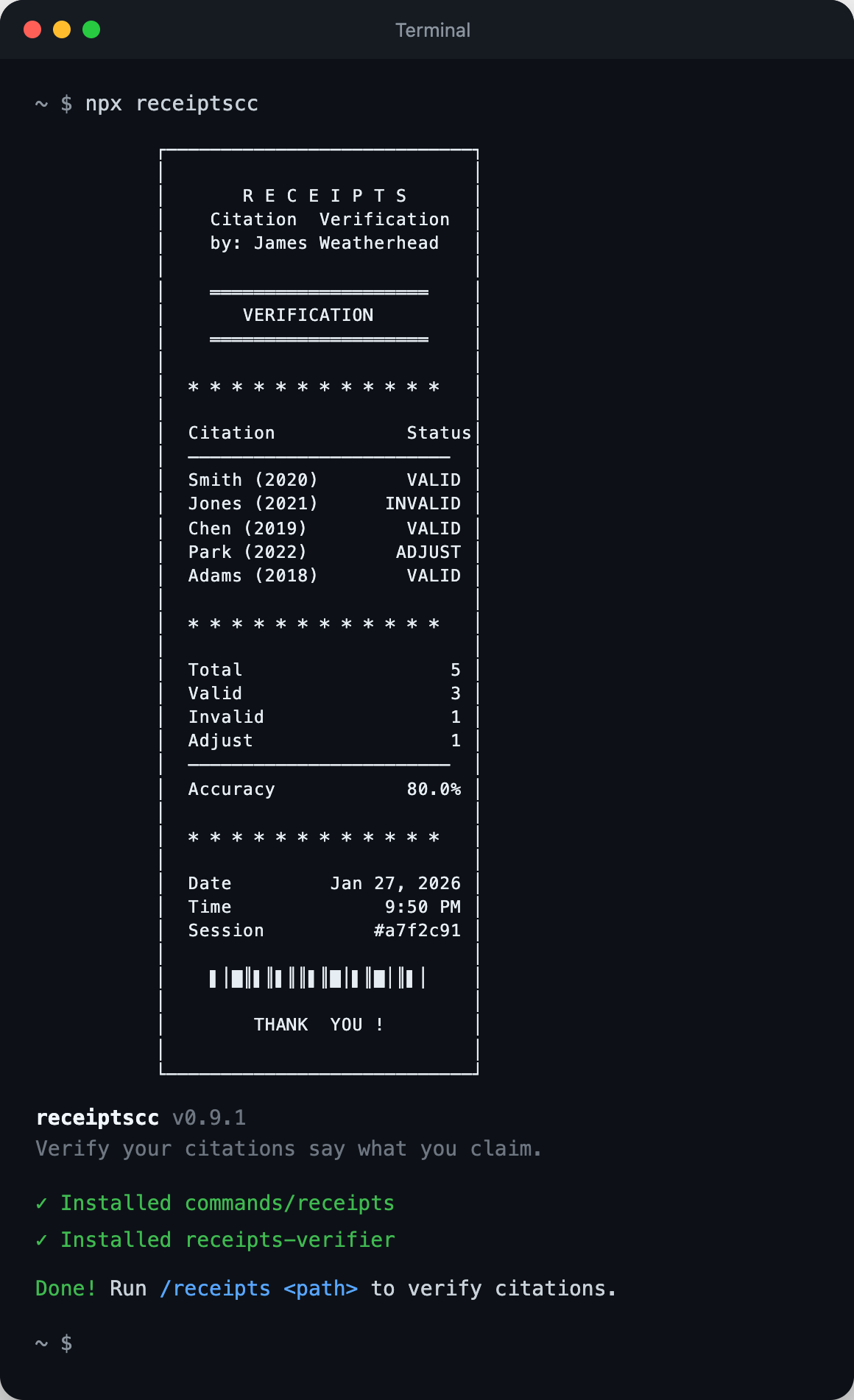
Works on Mac, Windows, and Linux
GPTZero found 100 hallucinated citations across 51 papers at NeurIPS 2024. Those are the fake ones.
Nobody is counting the real papers that don't say what authors claim.
Your manuscript says: "Smith et al. achieved 99% accuracy on all benchmarks"
The actual paper says: "We achieve 73% accuracy on the standard benchmark"
Not fraud. Just human memory + exhaustion + LLM assistance = systematic misquotation.
receipts catches this before your reviewers do.
Give it your paper. Give it the PDFs you cited. It reads both. Tells you what's wrong.
Runs inside Claude Code (Anthropic's terminal assistant). One command. ~$0.50-$5 per paper.
Built by an MD/PhD student who got tired of manually re-checking citations at 2am before deadlines.
You need two things:
Check if you have it:
node --versionIf you see a version number, you're good. If you see "command not found", download Node.js from nodejs.org and install it.
You need one of these to use Claude Code:
- API key: Get one at console.anthropic.com. Requires a payment method.
- Pro or Max plan: If you subscribe to Claude Pro ($20/mo) or Max ($100/mo), you can use Claude Code without a separate API key.
Mac: Press Cmd + Space, type Terminal, press Enter
Windows: Press Win + X, click "Terminal" or "PowerShell"
Linux: Press Ctrl + Alt + T
Copy this command and paste it into your terminal:
npm install -g @anthropic-ai/claude-code
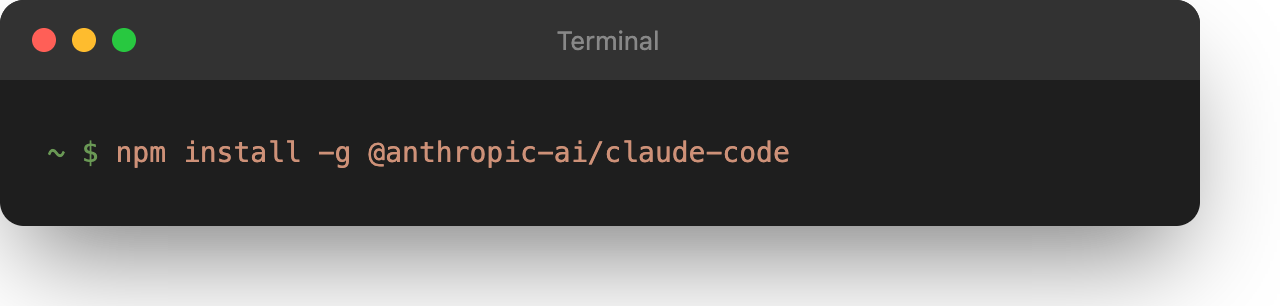
Wait for it to finish.
Copy and run this:
npx receiptscc
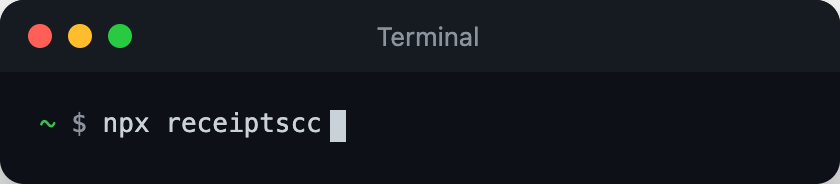
You will see a receipt banner. That means it worked. You only do this once.
Create a folder with your paper and sources:
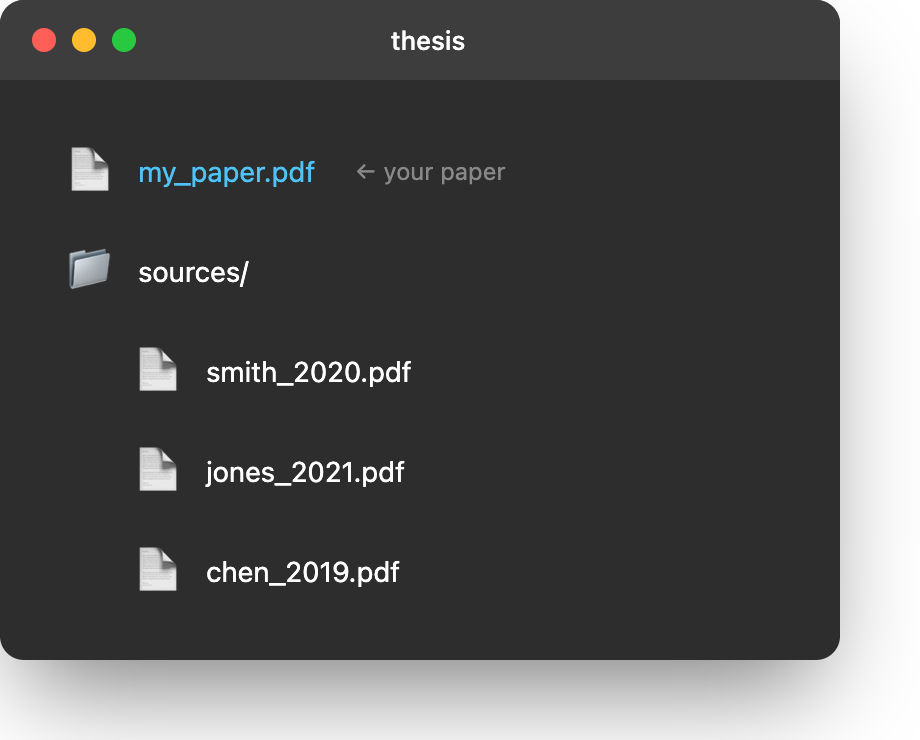
thesis/
├── my_paper.pdf          ← your paper (any name)
└── sources/              ← create this folder
    ├── smith_2020.pdf    ← PDFs you cited
    ├── jones_2021.pdf
    └── chen_2019.pdf
Put your paper in the folder. Create a subfolder called sources. Put the PDFs you cited inside sources.
Navigate to your paper folder and start Claude Code:
cd ~/Desktop/thesis
claude
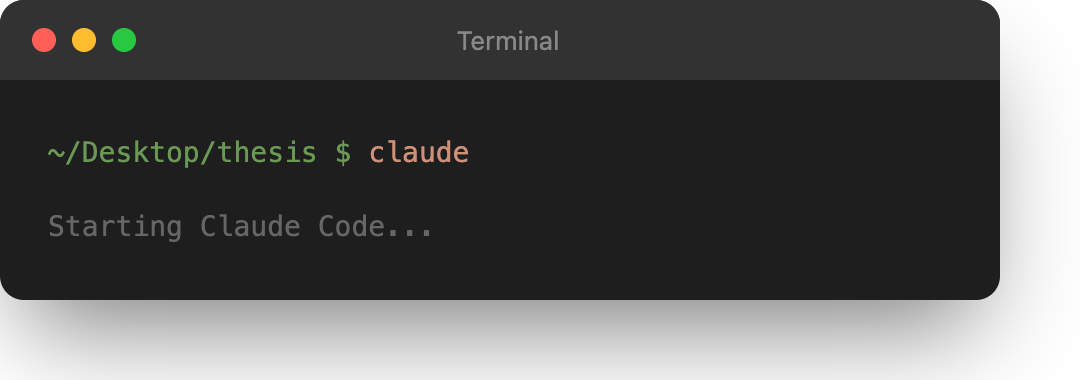
Windows users: Replace ~/Desktop/thesis with your actual path, like C:\Users\YourName\Desktop\thesis
The first time you run claude, it will ask for your API key. Paste it in.
Now you are inside Claude Code. Type this command:
/receipts
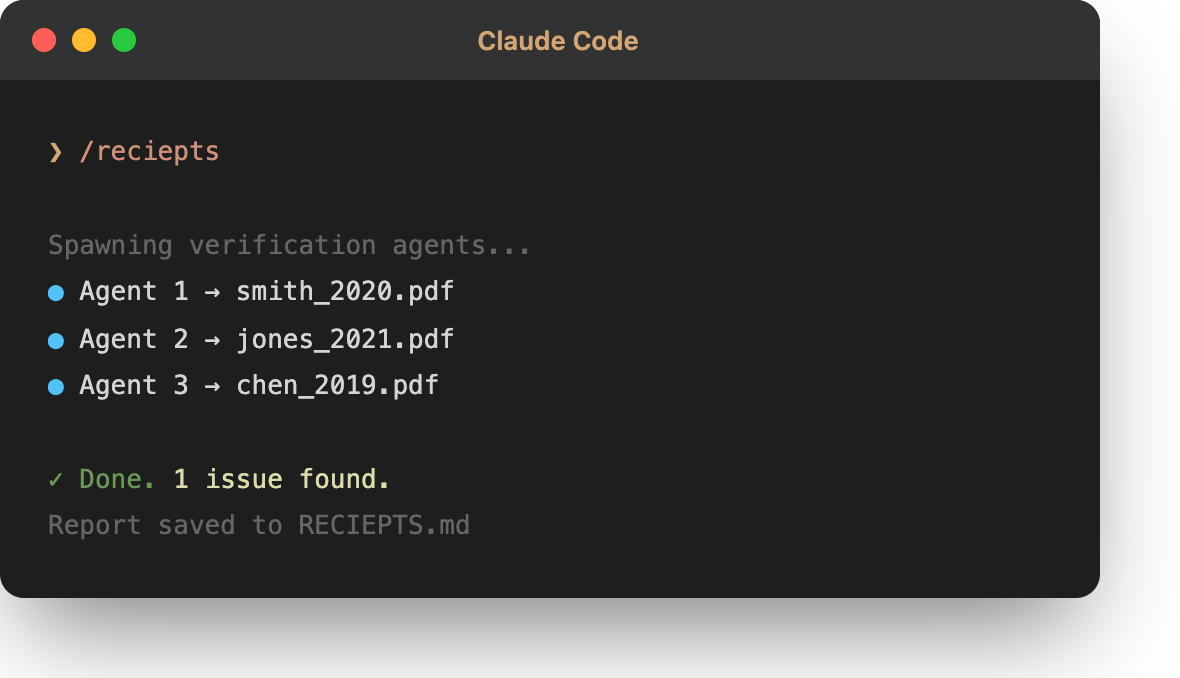
Important: The /receipts command only works inside Claude Code. If you type it in your regular terminal, it will not work.
receipts will read your paper, read your sources, and check every citation. When it finishes, it creates a file called RECEIPTS.md in your folder with the results.
A detailed verdict for each citation showing exactly what's wrong and how to fix it. See example verdicts →
Citation: Srivastava et al. (2014). Dropout: A Simple Way to Prevent Neural Networks from Overfitting. JMLR.
Summary: Reference 1 is cited four times in the manuscript. Two citations are accurate: the general description of dropout and the direct quote about co-adaptations. However, two citations contain errors that require correction.
Manuscript claims:
"According to Srivastava et al., the optimal dropout probability is p=0.5 for all layers, which they found to work well across a wide range of networks and tasks."
Source states:
"In the simplest case, each unit is retained with a fixed probability p independent of other units, where p can be chosen using a validation set or can simply be set at 0.5, which seems to be close to optimal for a wide range of networks and tasks."
Source also states:
"All dropout nets use p=0.5 for hidden units and p=0.8 for input units."
Assessment: NOT SUPPORTED
Discrepancy: The manuscript claims "p=0.5 for all layers" but the source explicitly states p=0.5 for HIDDEN units and p=0.8 for INPUT units.
Manuscript claims:
"Using this approach, they achieved an error rate of 0.89% on MNIST, demonstrating state-of-the-art performance at the time."
Source states:
"Error rates can be further improved to 0.94% by replacing ReLU units with maxout units."
Assessment: NOT SUPPORTED
Discrepancy: The manuscript claims 0.89% error rate, but the source states 0.94%. The figure 0.89% does not appear in the source.
- Change
p=0.5 for all layers→p=0.5 for hidden units and p=0.8 for input units- Change
0.89%→0.94%
| Status | Meaning |
|---|---|
| VALID | Citation is accurate |
| ADJUST | Small fix needed |
| INVALID | Source doesn't support claim |
| Paper Size | Citations | Haiku 3.5 | Sonnet 4 | Opus 4.5 |
|---|---|---|---|---|
| Short | 10 | ~$0.50 | ~$2 | ~$9 |
| Medium | 25 | ~$1.30 | ~$5 | ~$24 |
| Full | 50 | ~$3 | ~$11 | ~$56 |
Use Haiku for drafts. Opus for final submission.
receipts adds only 29 tokens to your Claude Code context:
| Component | What it is | Tokens |
|---|---|---|
/receipts |
The command definition | 13 |
receipts-verifier |
Agent template for verification | 16 |
That's the install footprint—two tiny files. The actual verification work uses Claude's normal token budget (hence the ~$0.50-$5 cost per paper).
"npm: command not found"
You need Node.js. Download it from nodejs.org.
"bash: /receipts: No such file or directory"
You typed /receipts in your regular terminal. You need to type it inside Claude Code. First run claude to start Claude Code, then type /receipts.
"No manuscript found"
Make sure your PDF is in the root folder, not inside a subfolder.
"No sources directory"
Create a folder called exactly sources (lowercase) and put your cited PDFs inside.
Claude Code asks for an API key
Either get an API key at console.anthropic.com, or subscribe to Claude Pro/Max at claude.ai.
MIT
By using this tool, you confirm that you have the legal right to upload and process all documents you provide. This includes ensuring compliance with copyright laws, publisher terms, and institutional policies. Many academic papers are protected by copyright; you are responsible for verifying you have appropriate permissions (e.g., personal copies for research, open-access publications, or institutional access rights).
This tool is provided "as is" without warranty of any kind. The author assumes no liability for any claims arising from your use of this software or the documents you process with it. Use of this tool is also subject to Anthropic's Terms of Service.
Your citations are only as good as your memory. receipts is better than your memory.