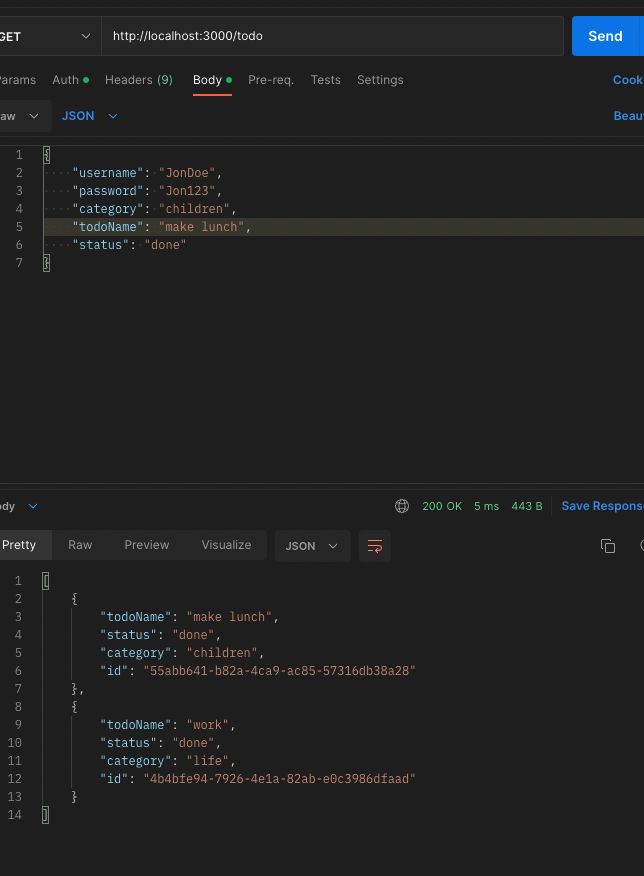
This api is for users to create, read, update and delete todo
items
To view the todo items, one must be registered or have their own
todo item logged in. Todo items are available for view to every user
in the database.
Todo items can only be updated and deleted by users who own them.
- As a user, I want to add my todo items
- As a user, I want to view all to do items after logging in my own.
- As a user, I want to change my own todo items.
- As a user, I want to ensure that my items are safe, and only I can change them.
- As a user, I want to delete my own todo items.
- The server can be launched using '%npm start' into your terminal.
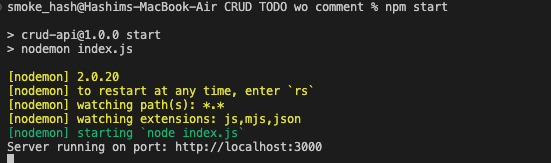
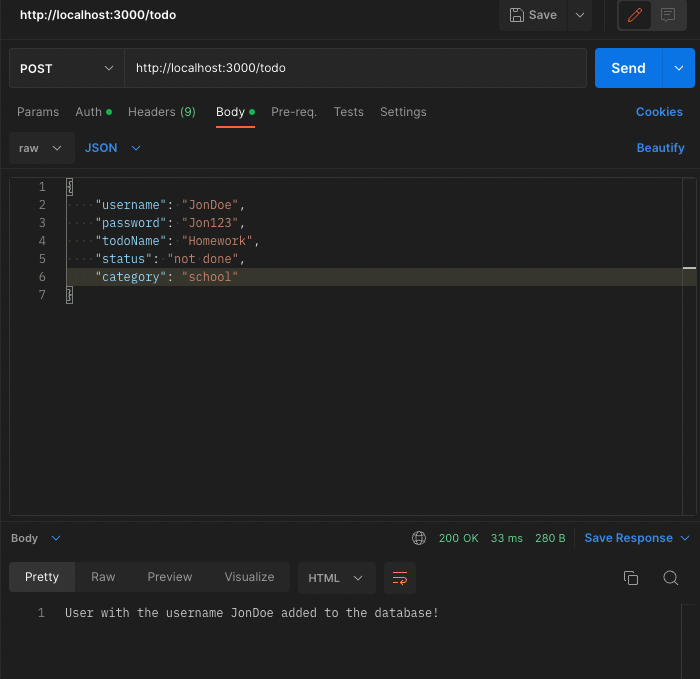
- Using postman, we acces the api by using the http link.
- You can then post items onto the server using the post function.
- Plase note that the fields such as username, password etc.. are case sensitive and must be entered correctly for them to show them.
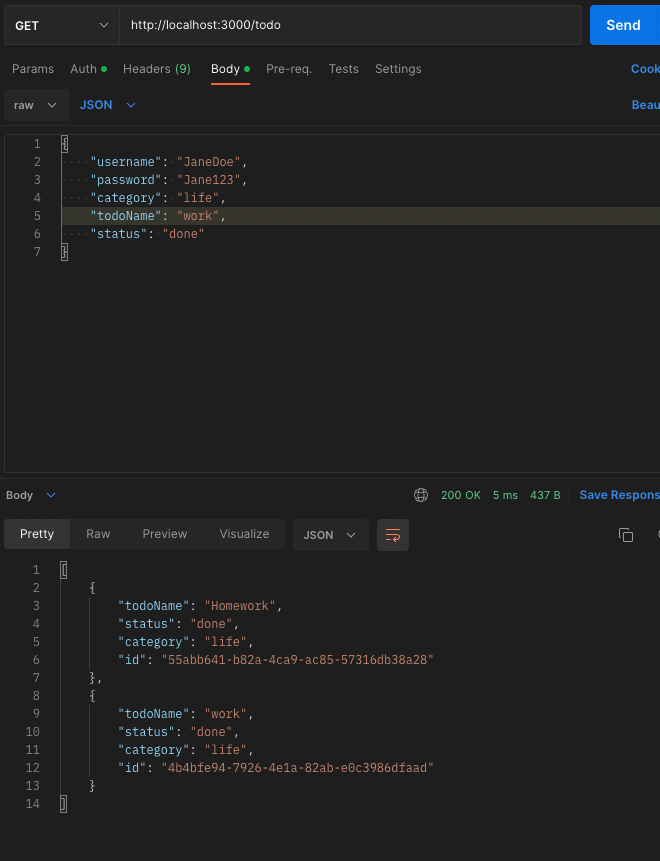
- A get request only needs the fields, username and password and upon correctly entering those fields, the api should return all todos.
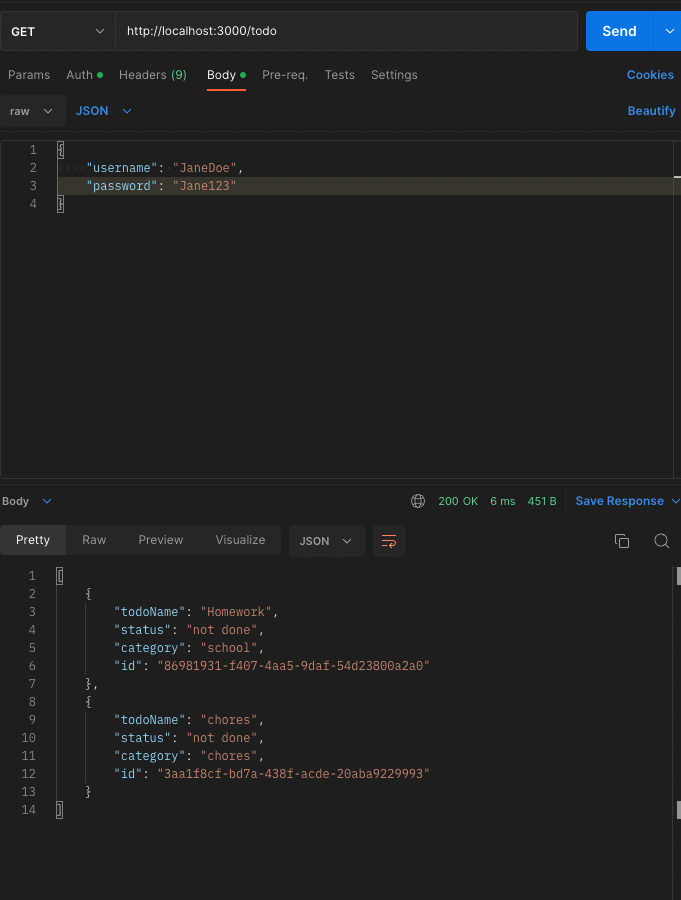
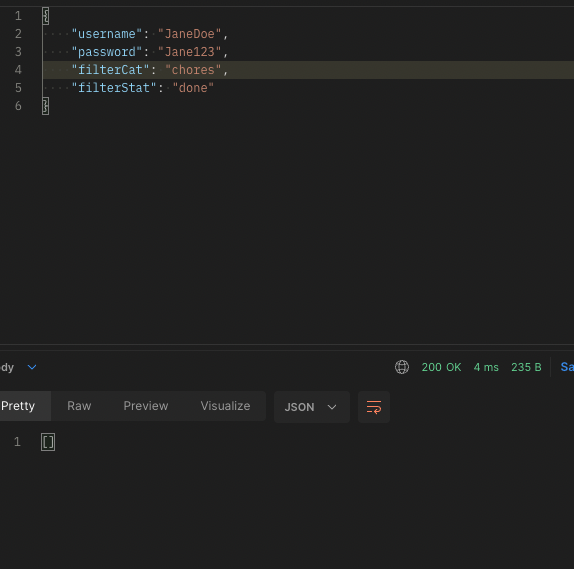
- You can also enter fields for filterCat and filterStat {case sensitive}, that will perform filtering.
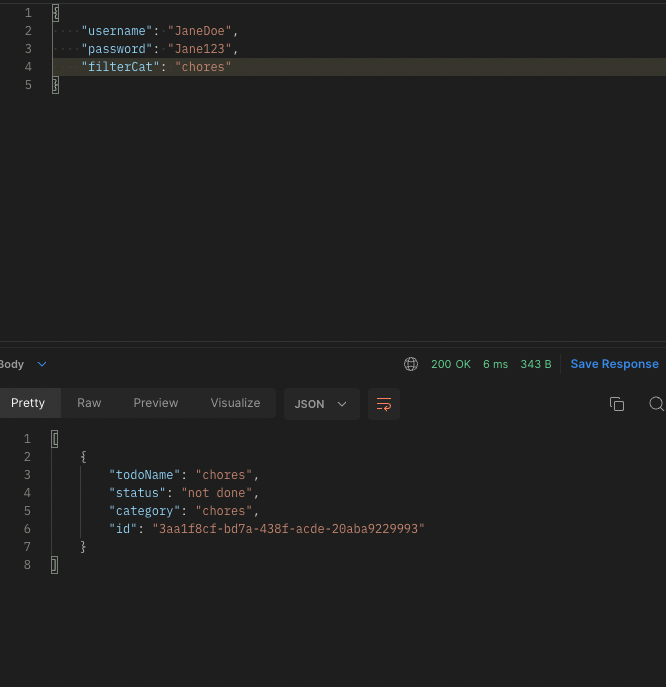
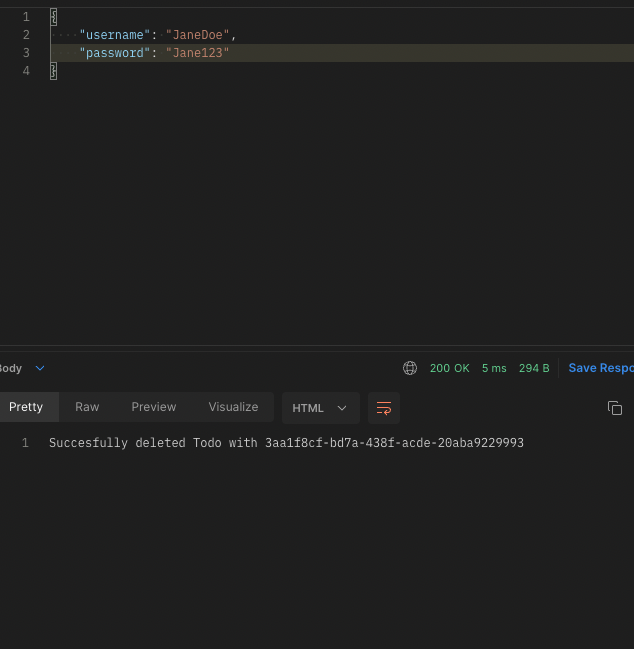
- To delete a todo, copy the id of the desired todo and paste with a forward slash at the beginning onto the search bar in postman. Then select delete as the option and enter, the username and password associated with the todo.
- To update todos, once more paste the id of the todo onto the search bar and enter in the correct username and password and the fields that you want to update. Then select the patch option from postman.
- Before update:
- After update: