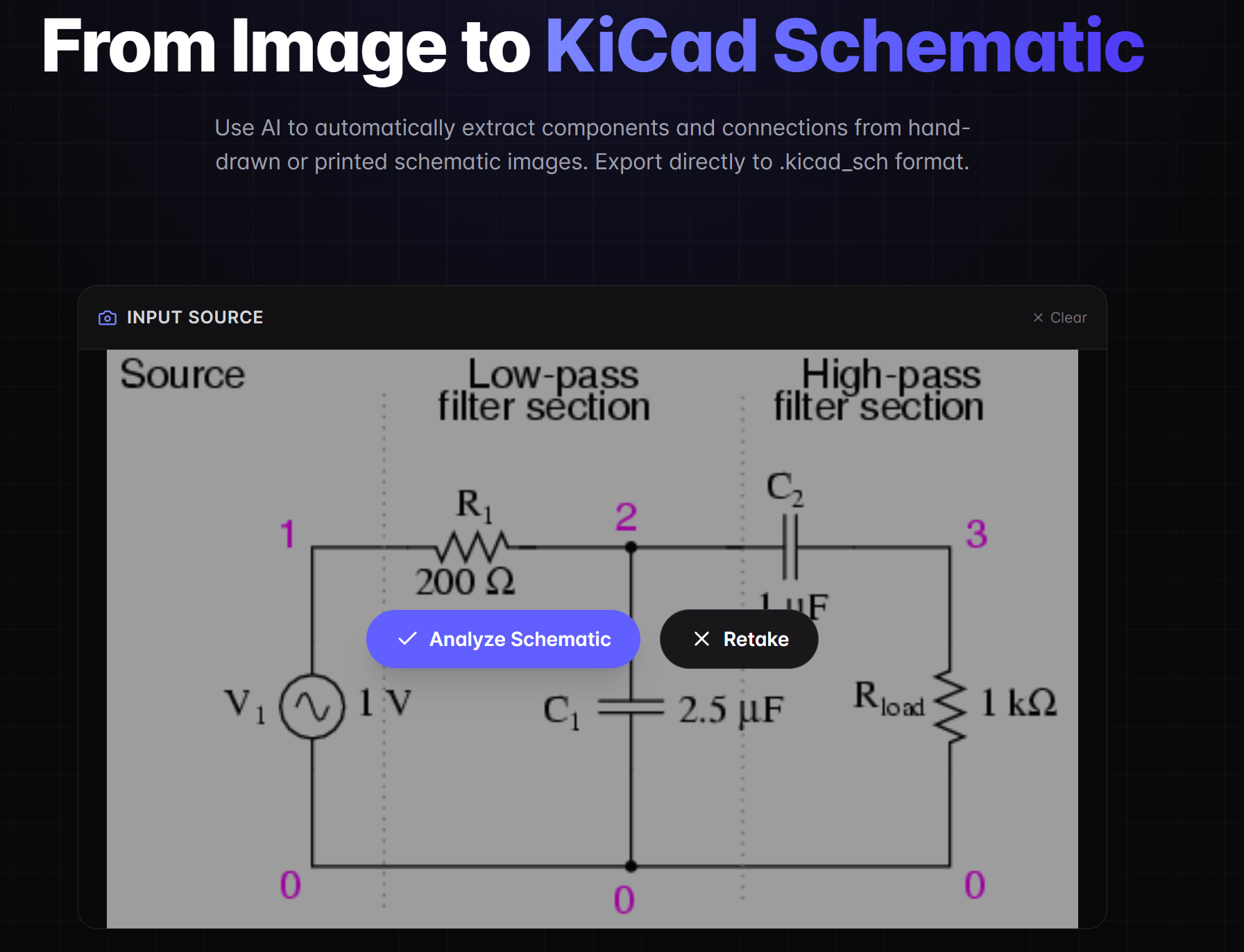
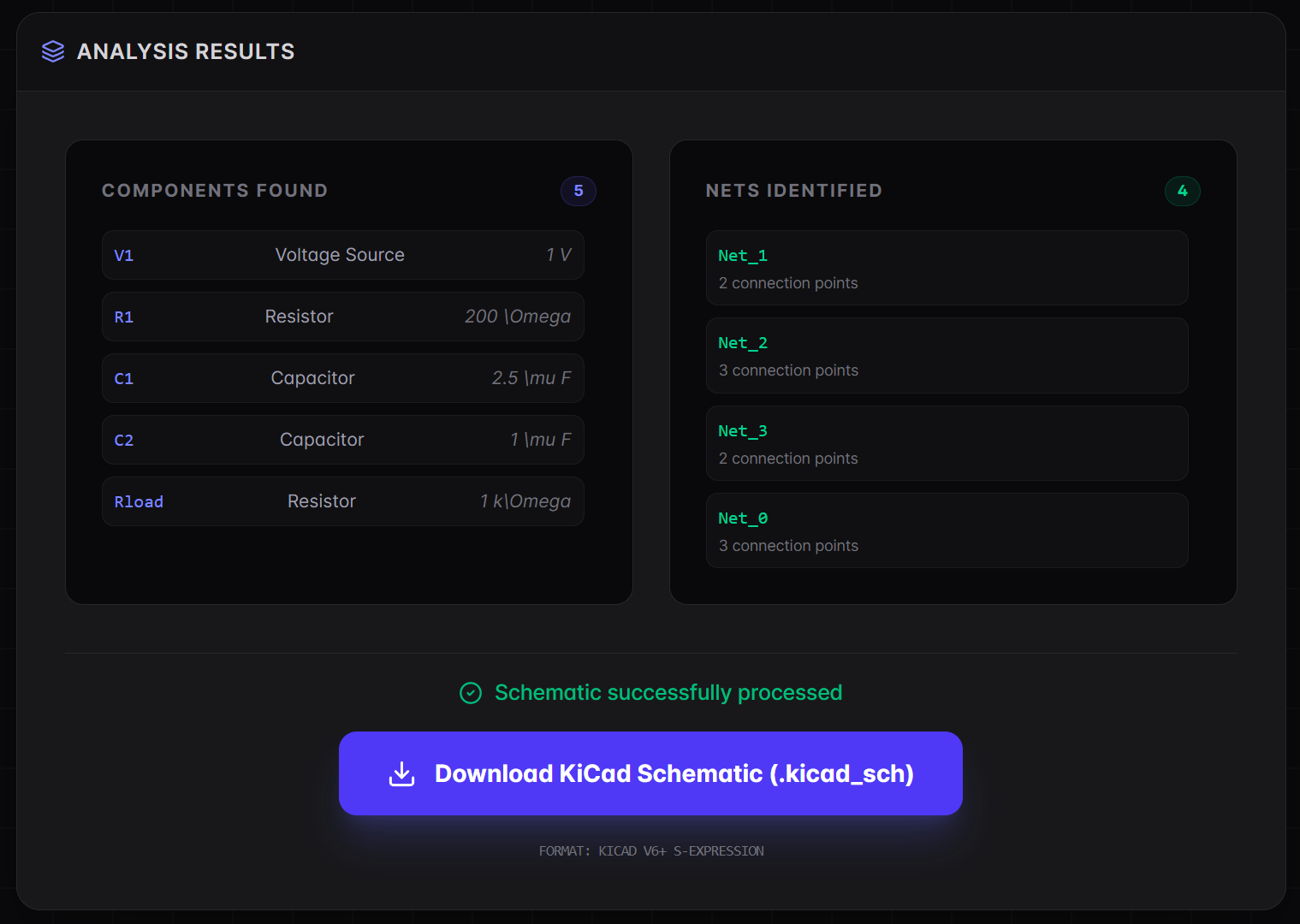
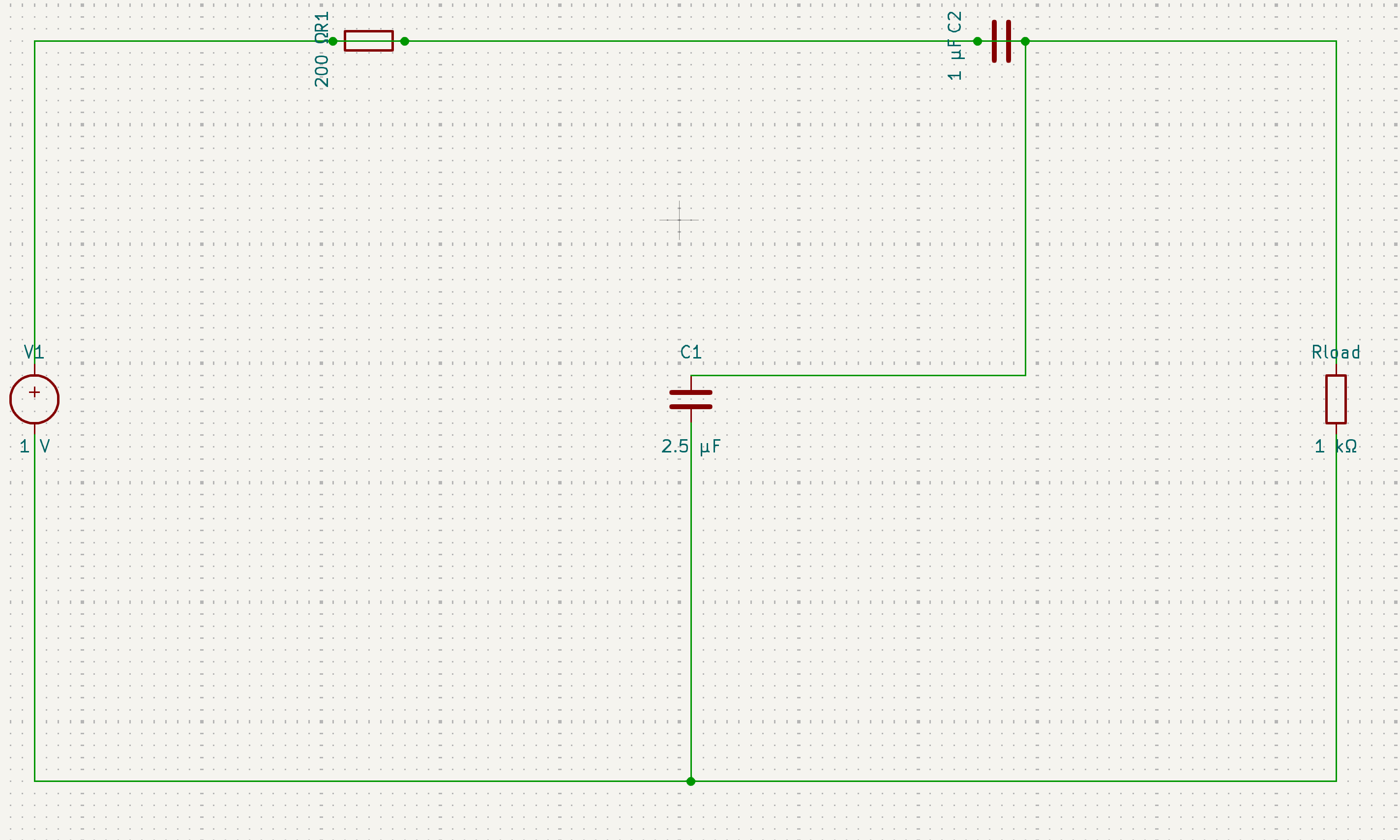
Close enough, I guess...
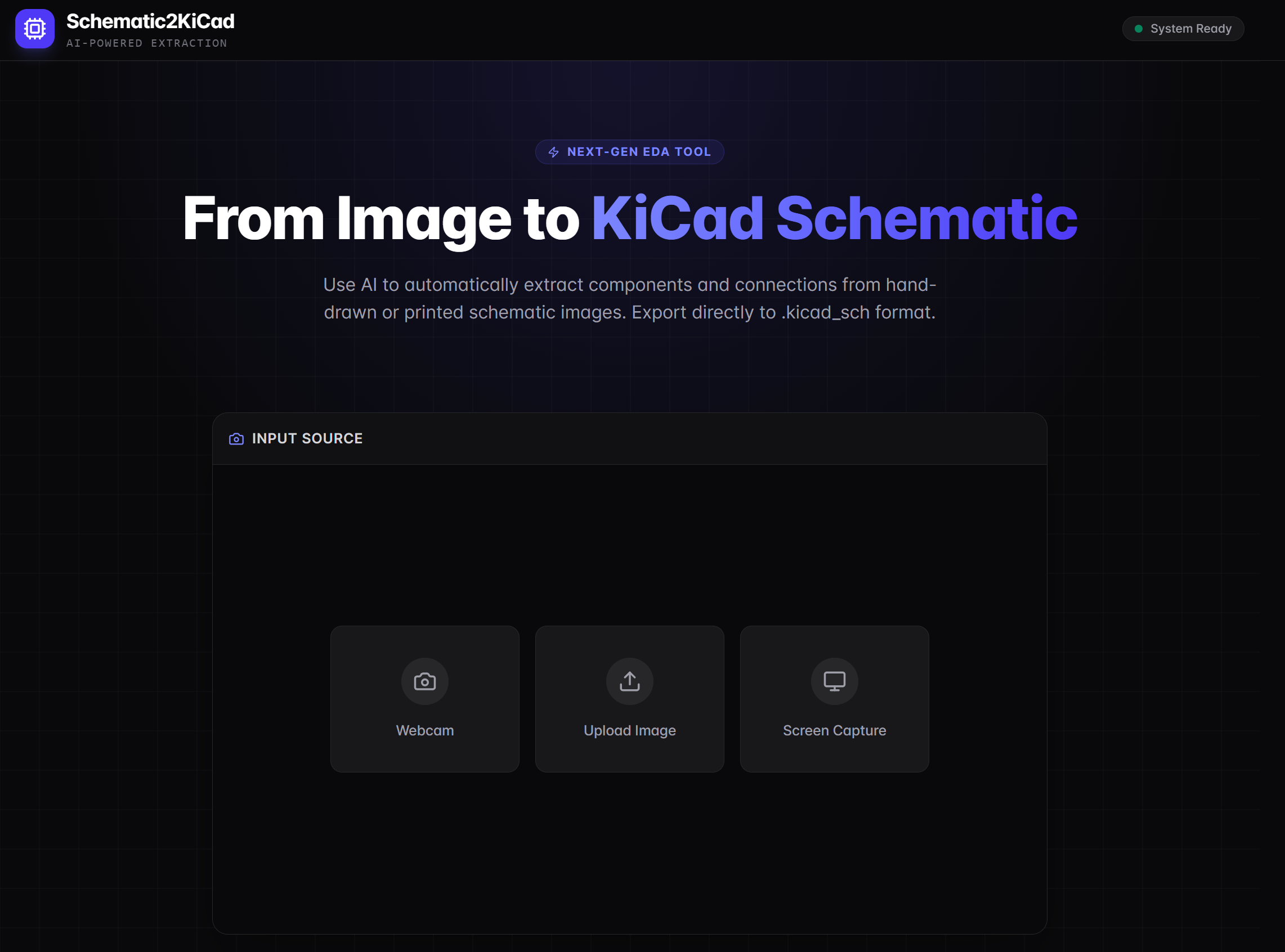
This app uses AI to automatically extract components and connections from hand-drawn or printed schematic images, giving you the BOM and allowing you to export the schematic directly to .kicad_sch format.
As expected, with AI "vibe coded" apps, it's kinda flakey. You will not get a deterministic result. So if you upload the same image twice, it might give you the correct schematic once and a wrong one the next time(or wrong both times).
You can try it out here.

This contains everything you need to run your app locally.
View your app in AI Studio: https://ai.studio/apps/65646772-4047-45e0-a8ca-fa11d9ebba8c
Prerequisites: Node.js
- Install dependencies:
npm install - Set the
GEMINI_API_KEYin .env.local to your Gemini API key - Run the app:
npm run dev