
Tanuki is a 3D Puzzle Platformer I developed with over the past few months. The game can be found by following this link. The full repository includes packages and software that I do not have the license to distribute, so for the time being, here are a few files that are used in the game. The core gameplay loop of the game consists of creating clones in order to solve puzzles and allow the main character to reach the endpoint. Playing quickly and fluidly allows the player to acheive high ranks when completing levels. The logic used to make the game possible is somewhat complex at a first glance, the clones are controlled and played back with my own Unity Input Recorder. While the positional recordig and time jumps are handled by a node system. The two systems will be covered below.
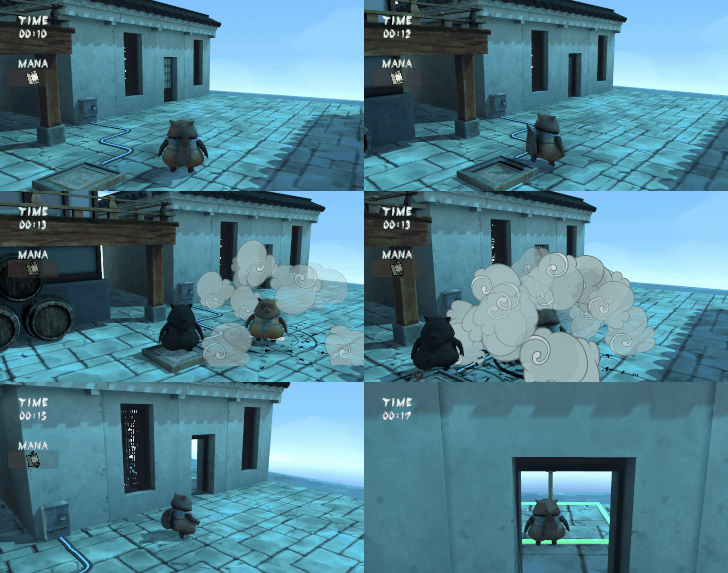
The levelManager script is the main level manager for the game. It includes listeners for all the player inputs as well as retaining information on the level's timer and all other scripts. Within the fixedUpdate() function of the script you can see the inputHandler() being called, this script allows for the player to interact with the game world with their key inputs. Whenever a character creates a clone, the level manager begins to create a node network with the nodes found in the levelNodeSystem directory.
The clones and the character all use the same recording, replay, and movement code. To put it simply, when the player inputs movements for the character the actions are recorded while moving the character. Once the character is finished it's path, time resets to it's inception point, and the clone can repeat the recorded actions concurrently with whoever the player is controlling.
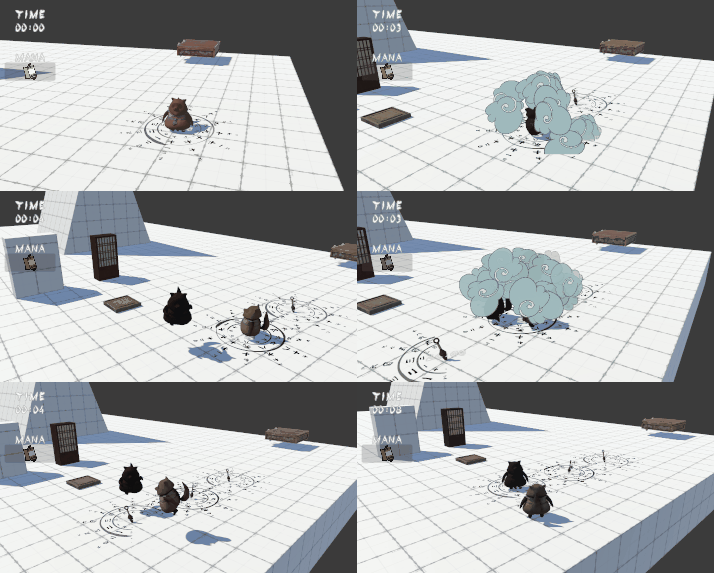
Although the clones have their recorded actions, they don't necesarilly know their position in world space at any given time. This is where the node system comes in, the node system keeps track of whenever actions occur. When a player does an important action in the levelManager which shifts the timeline a node is created to make note of the updates. At these points a function is called on the eventSystem to gather information regarding all interactable (moving / non-static objects) entities. All subscribed entities will add a resetPoint at that time, then whenever a clone has completed it's path or is deleted the levelManager checks the node network and changes the level timer to reflect the changes.
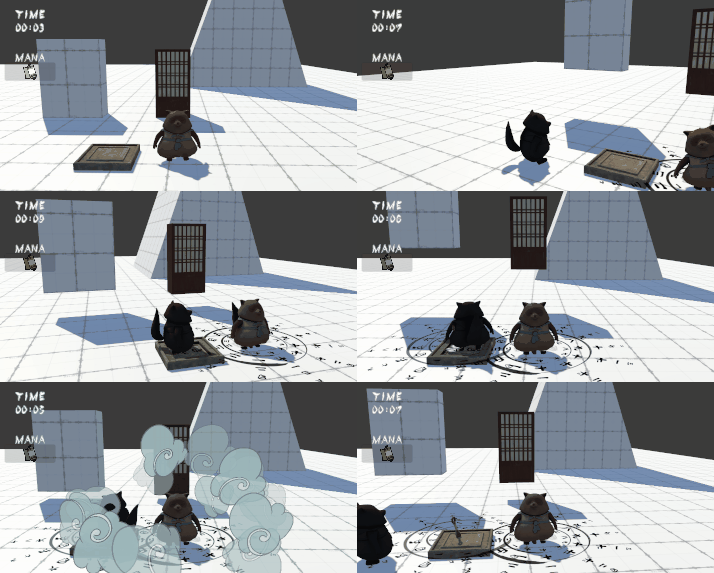
Delegates and event systems are what allows me to add new things easily to the game logic without breaking anything. All interactable objects will subscribe themselves to the event system and listen for when key functions are called. You can find the code for this in the interactableScripts directiory. In the example below, the object adds it's methods to the event system, so whenever the function in the event system is called it also calls it's own functions.
    protected override void Start()
    {
        rb = GetComponent<Rigidbody>();
        eventSystem.current.updateTime += updateTimer;
        eventSystem.current.addResetPointPlayer += addResetPoints;
        eventSystem.current.returnToPoint += resetToPoint;
        initialPosition = gameObject.transform.position;
        initialRotation = transform.eulerAngles;
        initialVelocity = rb.velocity;
        resetPoints = new Dictionary<float, interactableRBStruct>();
    }

    protected void resetToPoint(float levelTimer)
    {
        if (0 == levelTimer)
        {
            // Debug.Log("initialPoint");
            resetToInitialPoint();
        }
        else if (resetPoints.ContainsKey(levelTimer))
        {
            //Debug.Log("NotinitialPoint");
            resetToThisTransform(resetPoints[levelTimer]);
        }
    }

    protected void addResetPoints()
    {

        interactableRBStruct savedValues = new interactableRBStruct(
        gameObject.transform.position,
        gameObject.transform.rotation,
        rb.velocity,
        rb.angularVelocity);
        //If a recording at the current time exists, then just overwrite it
        if (resetPoints.ContainsKey(gameTimer))
        {
            resetPoints[gameTimer] = savedValues;
        }
        else
        {
            resetPoints.Add(gameTimer, savedValues);
        }
    }

    public void updateTimer(float gameTimerInput)
    {
        gameTimer = gameTimerInput;
    }