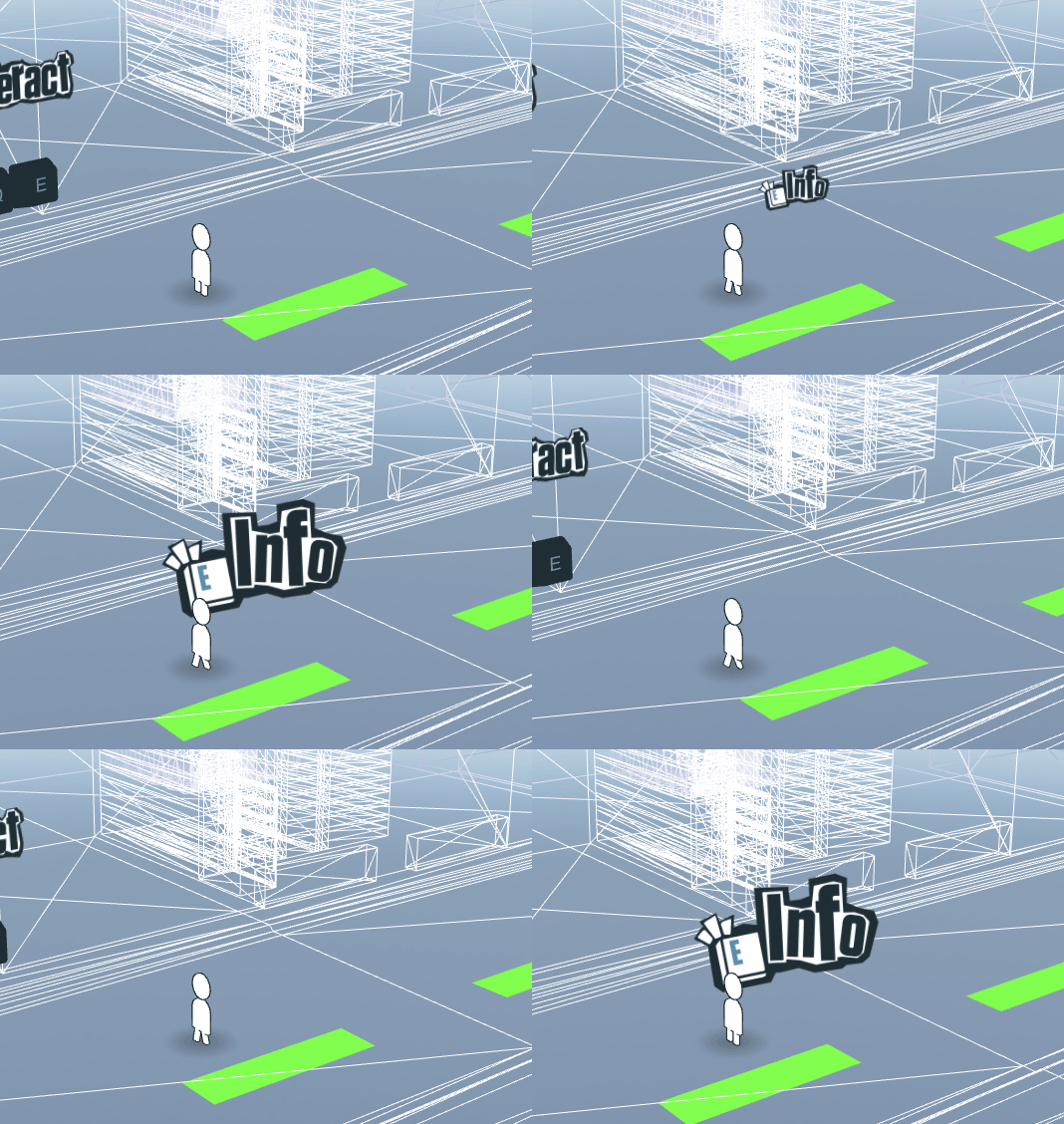
My portfolio uses Three.js to load and render 3D models, you can take a look by following this link.
This repository is for demonstration purposes only, I will not be releasing the full code for my portfolio. However I will give snippets of code and mention how I did certain aspects of the website below. If you're wondering how this relates to the HTML code the javascript uses Three.js and outputs the render to the canvas element found in the HTML.
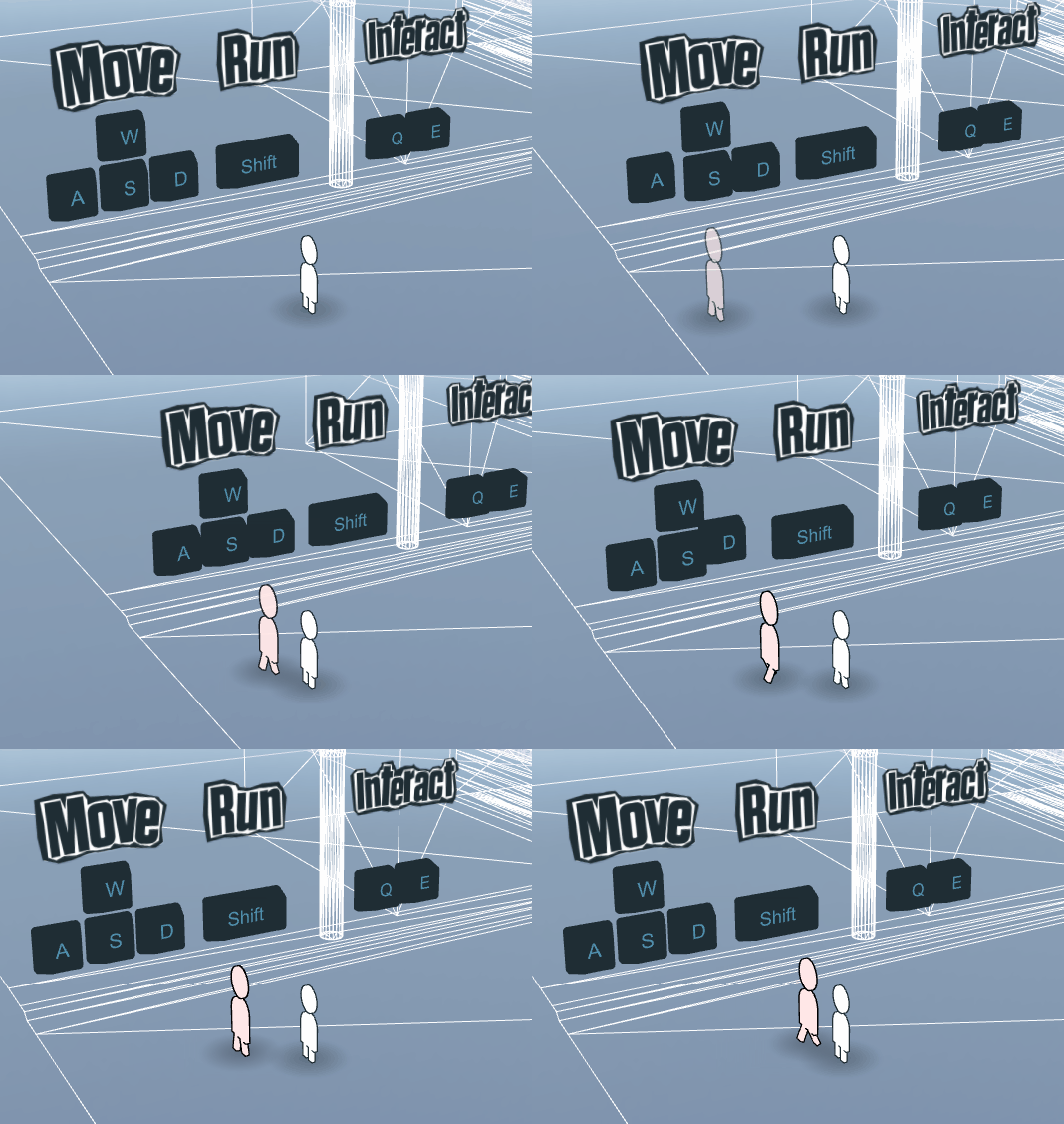
Movement of the character is very simple, it's just an event listener on the window which listens for movement key input. If movement is detected then we can move our character by calling our playerMovement() function and updatePlayerMovement() function within our update() function. If you're familiar with Unity (or any other game engine) this is pretty much listening for key inputs in a game update loop.
const playerMovement = () => {
  if (heldKeys.Shift) {
    playerMovementRunSpeed = 2.5;
  } else {
    playerMovementRunSpeed = 1;
  }
  if (
    (heldKeys.UpVerti || heldKeys.UpHori) &&
    (heldKeys.DownVerti || heldKeys.DownHori)
  ) {
    playerMovementDirection = 0;
  } else if (heldKeys.UpVerti || heldKeys.UpHori) {
    playerMovementDirection = -1 * playerMovementSpeed * playerMovementRunSpeed;
  } else if (heldKeys.DownVerti || heldKeys.DownHori) {
    playerMovementDirection = 1 * playerMovementSpeed * playerMovementRunSpeed;
  } else {
    playerMovementDirection = 0;
  }
};const updatePlayerMovement = (deltaTime) => {
if (
playerGroup.position.z < lowerMapLimit &&
playerGroup.position.z > upperMapLimit
) {
playerGroup.position.z += playerMovementDirection * deltaTime;
camera.position.z += playerMovementDirection * deltaTime;
} else if (
playerGroup.position.z < upperMapLimit &&
playerMovementDirection > 0
) {
playerGroup.position.z += playerMovementDirection * deltaTime;
camera.position.z += playerMovementDirection * deltaTime;
} else if (
playerGroup.position.z > lowerMapLimit &&
playerMovementDirection < 0
) {
playerGroup.position.z += playerMovementDirection * deltaTime;
camera.position.z += playerMovementDirection * deltaTime;
}
updateMap(Math.abs(playerGroup.position.z - lowerMapLimit) / mapSize);
};const update = () => {
const deltaTime = clock.getDelta();
playerMovement();
updatePlayerMovement(deltaTime);
renderer.render(scene, camera);
window.requestAnimationFrame(update);
};
update();It all comes together to allow the player to move around the map.
To detect if the character is over an interaction point I simply cast a ray down from the position. If the ray hits an interaction zone then the prompt appears, notifying that the player can interact with the environment. Please do keep in mind if you're casting rays you need to cast them after the initalization. If you cast them before anything is loaded the rays do not return the correct information.
const raycaster = new THREE.Raycaster();
const downVector = new THREE.Vector3(0, -1, 0);
const checkCharacterLocation = () => {
  const rayOrigin = playerGroup.position;
  const rayDirection = downVector;
  raycaster.set(rayOrigin, rayDirection);
  const intersect = raycaster.intersectObjects([
    object1,
    object2,
    object3,
    object4,
    object5,
    object6,
    object7,
  ]);
  try {
    currentlyHoveredZone = intersect[0].object;
  } catch (err) {
    currentlyHoveredZone = null;
  }
};