
Inspired by 1998 anime Serial Experiments Lain,
This config is just my version of the Hyprlain by Ascaniolamp Rice, that I use on my daily driver PC, With a few color changes, some Hyprland configuration tweaks, and a handful of other modifications to better fit my style... If you're looking for the complete setup with GTK themes, sddm Theme, Animated Wallpapers, and more, I highly recommend visiting the original Hyprlain repository.
If you like Lain and Linux as much as I do, check out the LainOS project An Arch-based, privacy-focused distribution inspired by the aesthetics of Copland-OS!
Important
I only use the Super + C and Super + R keybindings because I use multiple monitors, you don't need to use these keys if you use a single monitor.
This Hyprland 0.56.2 setup is running in CachyOS
 |
 |
|---|---|
 |
 |
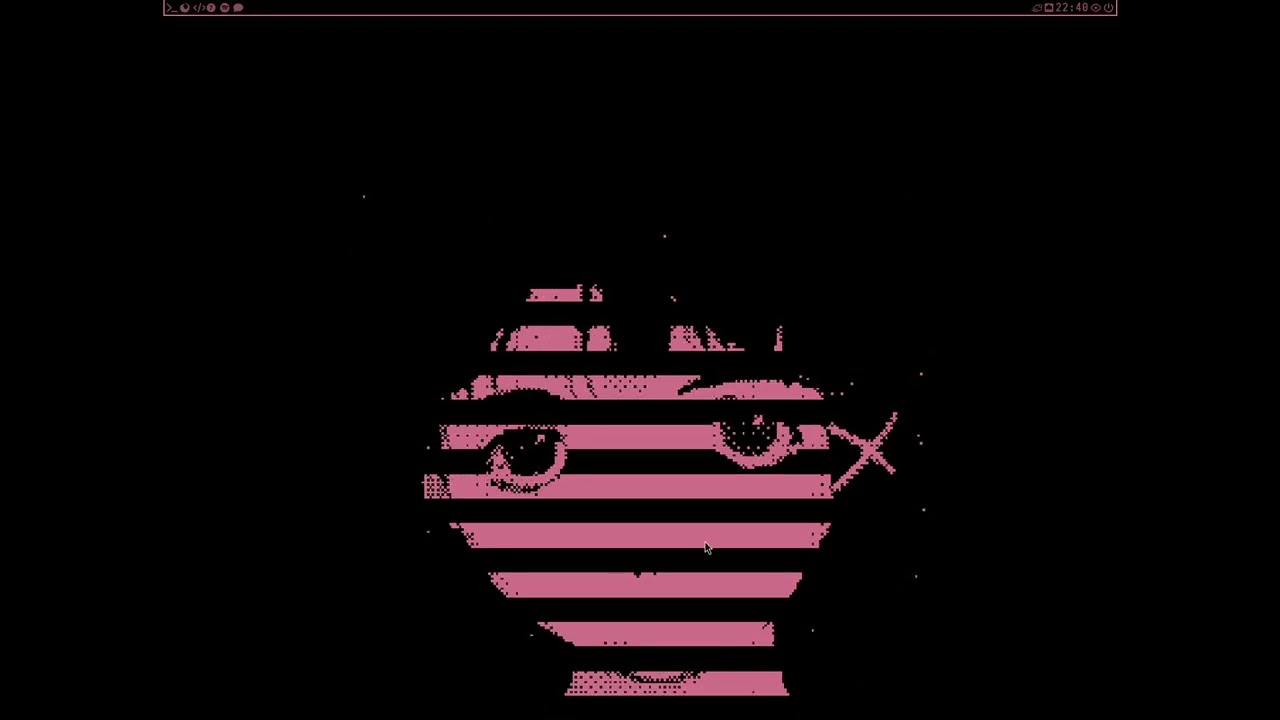
| Shaders | Hypr-Sounds |
|---|---|
 |
 |
As I said before, this is just a Fork, but what does it add?
- Updated Hyprland configuration;
- Micro Custom Lain Theme;
- Cava Theme;
- LainOS Fastfetch;
- Custom Hyprland Workspace Animations;
- Border Animations;
- Cleaner Blur;
- Collection of Screen Shaders;
- Zsh Config.
- How it Works?
Hypr-sounds is a script built in Rust that plays a sound every time you open a new window in Hyprland.
- installation:
Git clone this repo:
git clone <repository-url>Important
Place your sound files in ~/.config/hypr/sounds. Then, edit main.rs and configure the open and close sound files to match the filenames in that directory.
After, release the shortcut for the script using this comands:
cd /Fork-Hyprlain/hypr-sounds
cargo build --release
Place the hypr-sounds executable in the ~/.config/hypr/scripts directory.
To run the script automatically when Hyprland starts, add the following line to your Hyprland configuration file:
exec-once = ~/.config/hypr/scripts/hypr-sounds
- WM - Hyprland latest version
- File Manager - Yazi
- Fetch - Fastfetch
- Terminal - Kitty
- Shell - Zsh
- Prompt - p10k
- Bar - Waybar
- Editor - Micro
- App Launcher - Rofi
- Audio Visualizer - Cava
- System Monitor - Bottom
Zsh Dependency:
paru -S zsh neovim micro eza bat fd fzf zoxide starship ripgrepNote
I have made a repo just for my Rofi Config, also based in the Hyprlain rice.
- Repository - https://github.com/4st0lfo1337/RofiConfig

All of the shaders that im using on the rice are not mine, are just some random shaders that i found on reddit or github, with some tweaks i made.
- hyprwm/Hyprland#1140
- https://www.reddit.com/r/hyprland/comments/1n3i18s/hyprland_screen_shaders_ctr_effect_cracking/
- https://www.reddit.com/r/hyprland/comments/1j74137/loving_shaders/
Caution
To use the shaders, you need to uncomment
the line damage_tracking = 0 in debug.
- Bug fixes for the hypr-sounds, and for it to detect only your actions;
- Hyprland Lua Config;
- Install.sh script;
- nvim theme.
